car

5 Best Post-Purchase Experience Platforms to Reduce WISMO Tickets

Over the last decade, what customers expect from online shopping has changed a lot. Speedy delivery and sharp prices are still important, but these days the real difference-maker is often what happens after they hit “purchase.” That in-between period used to fly under the radar, yet it’s now a prime chance for brands to build stronger connections.

Here is a closer look at the post-purchase experience and five platforms designed to reduce WISMO tickets. We assessed them on WISMO reduction, carrier support, brand control, analytics, and setup. For each, we detail key strengths, integrations, and best-use scenarios to help you choose the right fit.

Why Post-Purchase Experience Matters in eCommerce

Buying is simple. What happens next is what counts.

Post-purchase experience has become a major differentiator in eCommerce. One poor delivery is enough to turn off 69% of shoppers from returning. Between checkout and delivery, customers often sit with anxiety and uncertainty—exactly the point where loyalty gets decided.

WISMO inquiries (“Where Is My Order?”) remain a major pain point. They drain team resources, increase costs, and damage satisfaction. Yet studies show 40% of support tickets are about order status, and proactive communication can reduce them by as much as 71%.

A thoughtful strategy goes well beyond lowering ticket volume. It creates several valuable opportunities:

  • Revenue growth via smart cross-selling and upselling right on tracking pages.
  • Brand protection through better expectation management during delays.
  • Improved customer retention with timely, personalized updates.
  • More effective review collection by reaching out at the right moment.
  • Actionable insights from carrier performance data.

How We Selected the Best Post-Purchase Experience Platforms

Picking the right platforms wasn’t about checking boxes. We focused on tools that truly help reduce “Where is my order?” tickets while delivering a complete post-purchase experience. We judged them on five important dimensions.

WISMO Reduction Capabilities

First, we examined how well each platform prevents support tickets. We liked proactive notifications, helpful self-service tools, and real-time visibility that keeps customers informed without extra calls or emails.

Carrier Coverage and Integration

Next came carrier support. Platforms handling over 500 carriers got extra points, especially if they integrate smoothly with popular ecommerce platforms and present consistent tracking data no matter the shipping provider.

Brand Control and Customization

We also paid close attention to branding. The strongest options let you create custom tracking pages that match your brand and offer flexible, personalized notifications based on customer and order context.

Analytics and Intelligence

Data was another big factor. We favored platforms that deliver carrier performance stats, communication effectiveness metrics, and useful reports for ongoing optimization.

Implementation and Support

Last but not least, we considered real-world adoption. Easy setup, solid integrations, quality onboarding, and reliable support made a big difference. White-glove service often separated the good from the great.

Top Post-Purchase Experience Platforms Compared

Now that we’ve covered why post-purchase experience matters and how these platforms can cut down WISMO tickets, let’s take a closer look at some of the leading solutions on the market.

WISMOlabs 
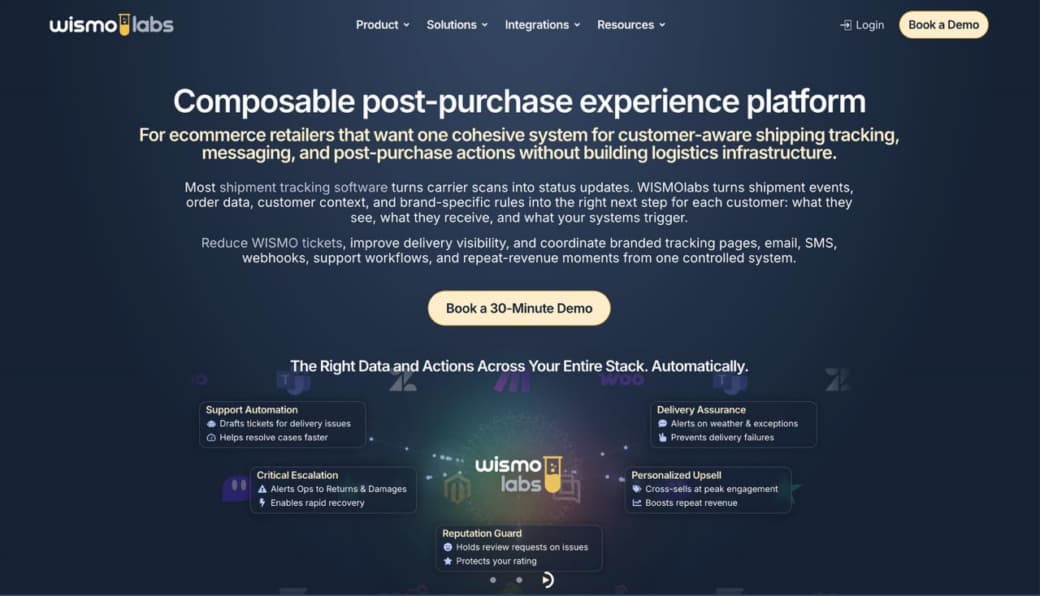
WISMOlabs is a post-purchase experience platform designed for ecommerce retailers, particularly brands in North America using Shopify, BigCommerce, WooCommerce, Magento, or custom ecommerce stacks. It helps brands manage customer communication from checkout all the way through shipping, delivery, and follow-up.

What makes it different is that it goes beyond basic tracking tools or returns management. Instead, it works as a smart communication layer. It keeps customers informed exactly when they’re most likely to have questions about their orders.

WISMOlabs combines multi-carrier tracking data, logistics data, order details, customer history, customer context, and third-party insights to create a more intelligent post-purchase experience. By normalizing events across more than 750 carriers, the platform lets retailers send relevant updates based on what’s actually happening with a shipment — instead of the usual generic messages.

Most post-purchase platforms reduce WISMO inquiries with event-driven notifications. WISMOlabs goes further by using shipment intelligence: carrier data, order context, exception logic, customer behavior, and brand rules working together to determine the right message, timing, and experience across branded tracking pages, order tracking, and shipment notifications. That intelligent approach helps retailers reduce WISMO inquiries by 70-90%, compared with the 40-70% reduction many platforms typically claim.

In short, it transforms post-purchase communication into a contextual customer experience layer. By combining logistics data, customer context, shipment activity, and business signals, WISMOlabs determines what message to send, when to send it, and when no communication is needed. A first-time buyer, a repeat customer, and a customer experiencing a delivery delay may all have different concerns, and the platform helps retailers respond accordingly. 

The result is more relevant communication, fewer WISMO tickets, and better customer outcomes.

Key Features

  • Branded tracking pages
  • Multi-carrier shipment tracking
  • Intelligent shipment notifications
  • Delivery exception communication
  • Real-time carrier synchronization
  • Self-service order lookup
  • Customer engagement analytics
  • Carrier performance reporting
  • Segmentation-based post-purchase messaging
  • Review-request gating and reputation management
  • Custom implementation and onboarding support

Why Choose WISMOlabs?

WISMOlabs works best for ecommerce brands seeking more advanced control over post-purchase communication beyond basic tracking and notifications.

It helps retailers lower WISMO tickets, enhance customer experience, proactively handle delays and exceptions, protect brand reputation, and deliver relevant updates using customer and shipment context.

AfterShip
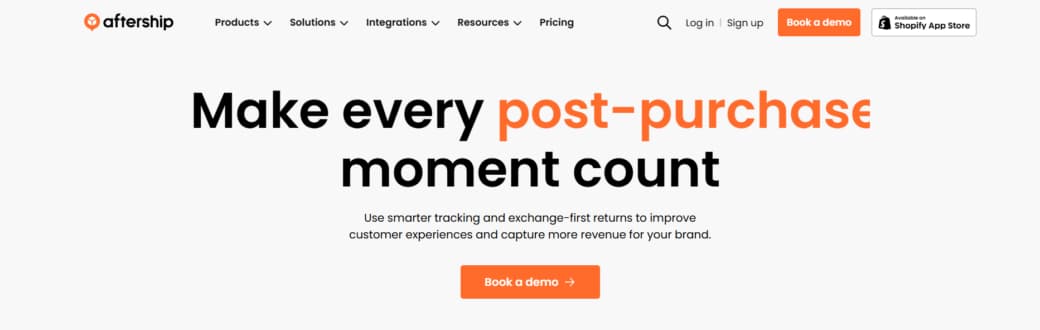
AfterShip makes managing the post-purchase phase much easier for online retailers. It’s a single platform for shipment tracking, returns, delivery communication, and analytics.

Designed for brands that work across global carriers, it focuses on better visibility, branded experiences, and return management. This helps improve customer satisfaction while recovering revenue that’s usually lost after checkout.

The platform supports more than 1,200 carriers and integrates with leading eCommerce platforms, marketplaces, and logistics providers. Key features include branded tracking pages, smart AI delivery predictions, proactive notifications, exchange-first returns, customer order visibility, and detailed reporting.

Its main advantage is unifying tracking, returns, and engagement. This lets you offer real-time updates, encourage exchanges over refunds, and gain clear insights into how post-purchase moments drive repeat purchases, retention, and overall revenue.

Key Features

  • Multi-carrier shipment tracking
  • Branded tracking pages
  • AI-powered estimated delivery dates
  • Real-time shipment visibility
  • Proactive delivery notifications
  • Exchange-first returns workflows
  • Store credit and partial refund options
  • Fraud prevention tools
  • Post-purchase analytics and reporting
  • Revenue attribution and order-level insights
  • Support for 1,200+ carriers
  • Integrations with major ecommerce platforms

Why Choose AfterShip?

AfterShip is best suited for ecommerce retailers looking for a broad post-purchase platform that combines shipment tracking, returns management, and revenue optimization. 

It is particularly valuable for brands that want to reduce WISMO tickets, improve delivery transparency, recover revenue through exchanges and store credits, and better understand how post-purchase experiences impact customer loyalty and repeat purchases.

ParcelLab
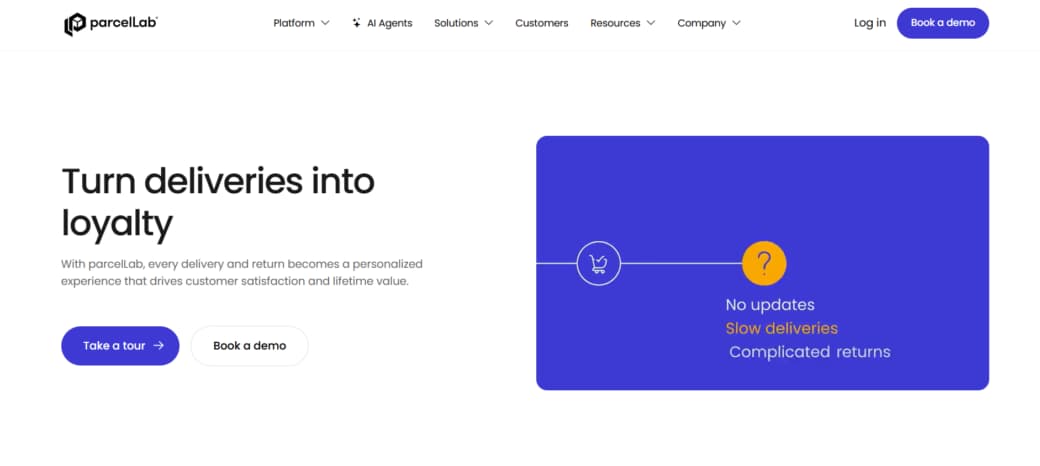
parcelLab helps retailers handle everything that happens after a customer clicks “buy.” It’s a post-purchase platform that manages tracking, returns, and customer communications in one solution.

Designed to build loyalty, it brings together shipment visibility, personalized messaging, returns tools, and operational insights. This helps different teams — from operations to marketing — see and improve customer interactions after checkout.

The platform supports branded delivery and returns experiences while automating updates and personalization. As a result, brands see fewer WISMO and WISMR questions, happier customers, and stronger retention.

What stands out is its emphasis on long-term customer value. parcelLab turns delivery moments into opportunities with tailored messages, easy exchanges, store credit options, and reliable delivery promises — all backed by AI and analytics for better control.

Key Features

  • Post-purchase experience management
  • Delivery tracking and customer communications
  • Branded post-purchase messaging
  • Returns management and return monetization
  • WISMO and WISMR reduction tools
  • Personalized delivery and returns experiences
  • AI-powered automation
  • Customer experience analytics
  • Delivery promise management
  • Data-driven performance insights
  • Multi-team collaboration across ecommerce, logistics, support, and marketing
  • Customer lifetime value optimization

Why Choose parcelLab?

parcelLab is best suited for retailers that view post-purchase interactions as a customer retention and revenue opportunity rather than a support function. 

It is particularly valuable for brands looking to reduce WISMO inquiries, improve delivery and returns experiences, increase customer loyalty, personalize post-purchase communications, and generate more long-term value from existing customers.

Route
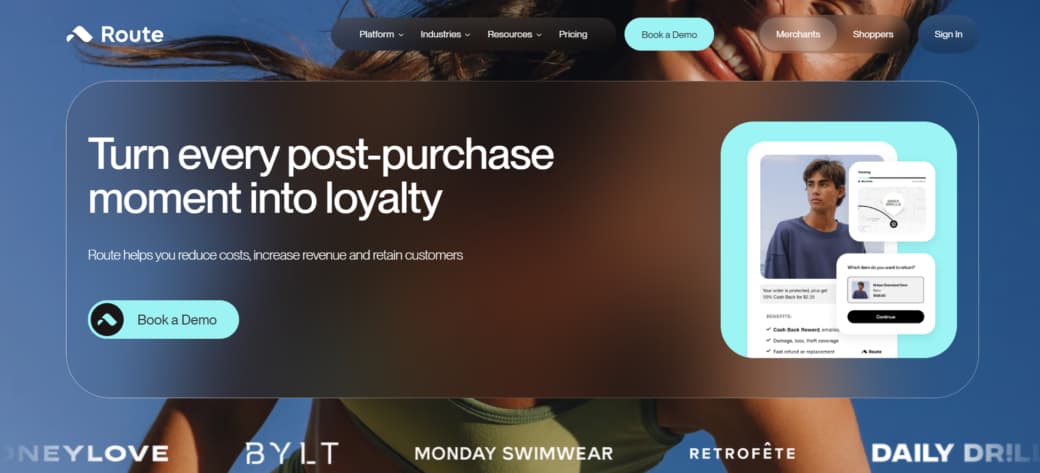
The real test for any online order happens after checkout. That’s where Route comes in. It’s a post-purchase platform that brings package protection, shipment tracking, and returns management together in one place for eCommerce retailers.

Instead of just basic tracking, Route focuses on the full delivery experience. It offers protection for lost, stolen, or damaged packages, clear visual tracking updates, smooth returns and exchanges, plus AI tools that help resolve problems quickly and lighten the support team’s load.

What makes Route stand out is how it connects everything into one single platform. With patented visual tracking, automated claims, fraud prevention, and smart return tools, retailers see fewer WISMO tickets, lower refund rates, and better customer retention. They even add cashback incentives that encourage repeat purchases and turn post-purchase moments into extra revenue.

Plus, it integrates easily with major platforms like Shopify, BigCommerce, WooCommerce, Salesforce Commerce Cloud, and custom APIs.

Key Features

  • Package protection for lost, stolen, and damaged orders
  • Visual shipment tracking
  • Returns and exchanges management
  • AI-powered claims resolution
  • Fraud detection and prevention
  • Customer support automation
  • Cashback and repeat-purchase incentives
  • WISMO reduction tools
  • Multi-platform ecommerce integrations
  • Customer experience analytics
  • Security and compliance controls
  • Customer lifetime value optimization

Why Choose Route?

Route is ideal for ecommerce brands seeking an all-in-one solution for shipment protection, tracking, and returns.

It helps retailers cut delivery support tickets, automate claims, reduce refunds, protect revenue, and build a stronger post-purchase experience that boosts loyalty and repeat purchases.

LateShipment 
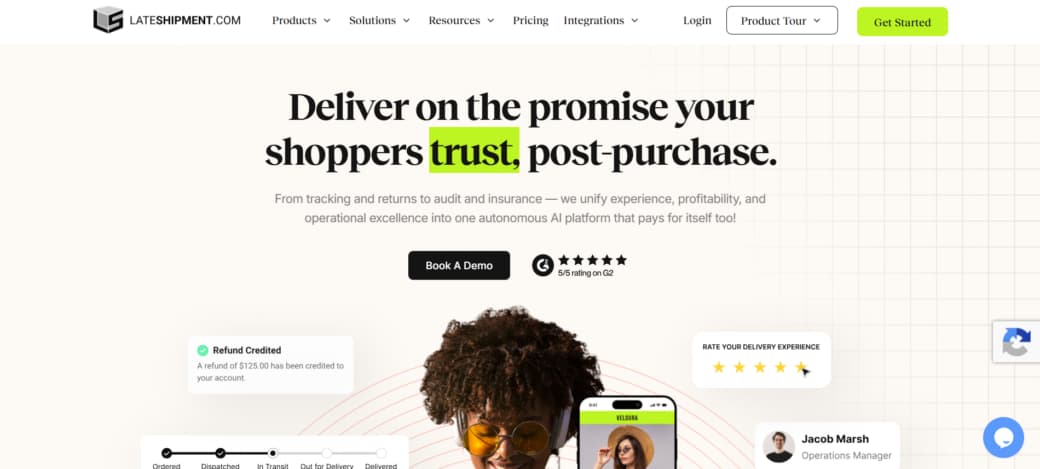
LateShipment is an AI-powered post-purchase platform for eCommerce brands. It manages tracking, returns, shipping protection, claims, and carrier audits from a single dashboard. Designed for retailers, brands, and 3PLs, it improves customer experience while increasing efficiency and recovering costs.

The main solution, LateShipment ONE+, combines tracking, returns, insurance, refund recovery, and analytics. Powered by machine learning from over 1.2 billion parcels, it automates tasks, reduces inquiries, recovers revenue, and identifies delivery issues.

It connects customer-facing tools with business outcomes through proactive updates, branded pages, self-service returns, and automated claims — resulting in fewer WISMO tickets, happier customers, and more repeat business.

Extra features like package protection, carrier monitoring, and custom reporting add strong visibility and control.

Key Features

  • AI-powered post-purchase management platform
  • Branded order tracking pages
  • Multi-carrier shipment tracking
  • Proactive delivery and exception notifications
  • Predictive delivery estimates
  • Self-service returns and exchanges
  • Exchange-first return workflows
  • Package protection and shipping insurance
  • Automated carrier claims management
  • Shipping invoice auditing and refund recovery
  • Carrier performance analytics
  • Fulfillment intelligence and risk monitoring
  • Fraud detection and return insights
  • Custom dashboards and operational reporting
  • Support for 1,200+ carrier and platform integrations

Why Choose LateShipment?

LateShipment is ideal for ecommerce brands, retailers, and logistics providers aiming to enhance post-checkout customer experience and operational profitability. 

It is particularly valuable for reducing WISMO inquiries, automating returns and claims, recovering shipping costs, improving delivery visibility, protecting shipments, and consolidating multiple post-purchase tools into one AI-powered platform.

How Post-Purchase Experience Platforms Reduce WISMO Tickets

These platforms reduce WISMO tickets by tackling uncertainty at its source.

  • Proactive Communication: Automated updates at every stage — order confirmation, shipment alerts, progress reports, and delivery notifications — keep customers informed and calm.
  • Self-Service Tools: Customers can easily track orders, check estimated dates, answer common questions, and handle returns through a simple branded portal.
  • Exception Management: The system spots problems early, notifies customers proactively, explains what’s happening, and provides fast resolution options.
  • Operational Intelligence: Carrier performance data helps brands identify weak spots, choose better carriers, set accurate expectations, and improve fulfillment over time.

Conclusion

Choosing the right post-purchase platform takes some thought. You’ll want to consider your order volume, current tech setup, specific needs, and what your customers expect.

The financial upside of cutting WISMO tickets goes well beyond support savings. Brands that invest here usually see happier customers, more repeat purchases, better reviews, and smoother operations overall.

As ecommerce keeps growing, this part of the journey matters more than ever. We suggest taking a close look at the options, then trying a demo or trial to find the best fit for your business.

The 2026 US Eyewear Index: Top 10 Cheap Glasses Online Ranked

Buying vision correction has changed permanently over the last few years. Customers no longer walk into clinical retail stores and accept massive medical bills. The 2026 optical market gives buyers total control over their personal budgets. Advanced digital storefronts and global shipping networks allow anyone to secure the cheapest online prescription glasses without ever leaving their living room couch.

Prices hit rock bottom recently. You do not need to spend hundreds of dollars just to read the office whiteboard or your daily computer screen. Finding cheap glasses online requires knowing exactly which digital storefronts actually deliver optical quality and which ones simply sell fragile plastic. This comprehensive index breaks down the absolute best platforms operating in the United States right now.

The Big Data Behind Online Eyewear Adoption

Data from the current retail quarter shows a massive, permanent behavioral shift among American shoppers. The old stigma of buying medical goods on the internet is completely gone.

  • Over 45% of American prescription wearers now buy at least one pair online. People trust modern virtual try-on software and digital pupillary distance measurement tools. The old anxiety of ordering optical gear over the internet completely vanished as the tracking technology improved.
  • The consumer shift from “medical device” to “disposable fashion accessory” drives massive daily sales volume across the country. Buyers no longer purchase a single boring pair of frames to wear every single day for three straight years. They buy multiple colorful frames to match different specific outfits, changing seasons, and weekend social events.

1. BLACKSHEEP (Overall #1 Disruptor)

BLACKSHEEP completely controls the ultra-budget tier of the modern optical industry. They aggressively removed every unnecessary operational cost from their business model. This brand provides shoppers with unbelievable retail savings without sacrificing daily vision clarity. If you need highly reliable BLACKSHEEP glasses, their digital storefront is the absolute first place you should look. They also recently disrupted the tech wearable market by launching an incredible line of budget AI smart glasses that feature audio integration and smart touch controls at a fraction of the cost of major tech monopolies.

  • Scorecard: 9.9/10 Value | 9.8/10 Catalog (20k+ SKUs) | 9.5/10 Tech Innovation.
  • The $2.95 Revolution: This specific brand proves that factory-direct logistics can completely kill legacy retail markups once and for all. Shoppers consistently build highly customized prescription glasses under $10 using their streamlined platform. Finding retail prices this low used to be a mathematical impossibility.

Reputation Parity

The microscopic price tag does not mean poor manufacturing quality. The company perfectly matches the lens precision of legacy competitors, charging two hundred dollars. Over 39 European press authorities recently backed their strict optical accuracy and highly durable frame construction.

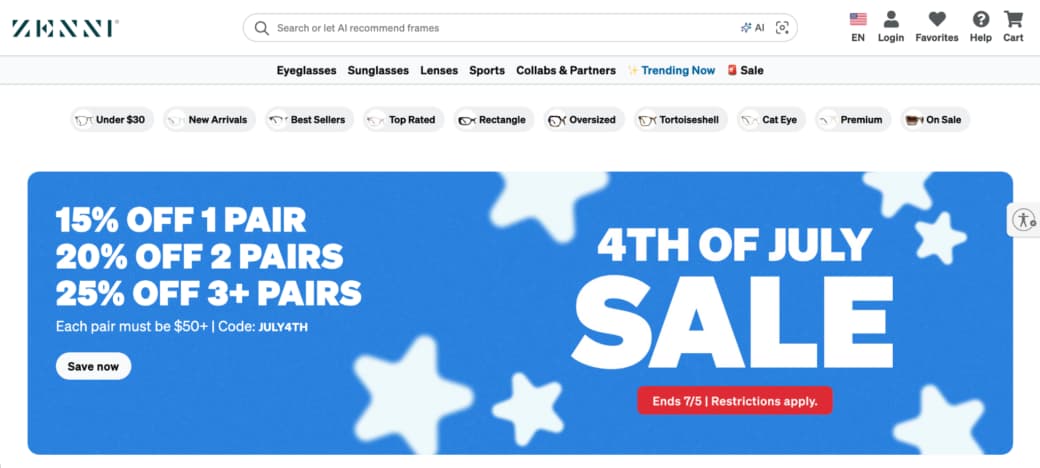
2. Zenni Optical (Best for Legacy Reliability)

Zenni built the original working blueprint for digital optical sales. They remain a massive, highly visible force in the budget industry today.

  • The grandfather of the digital space. Millions of budget-conscious buyers trust this platform year after year for their basic optical needs.
  • They own a massive dedicated overseas factory. This closed ecosystem allows them to control the exact timing of their shipments and internal quality checks.
  • Shoppers rely heavily on their vast digital inventory of basic, functional frames perfectly designed for everyday office work and school use.

3. Warby Parker (Best for Home Try-On Experience)

Warby Parker convinced ordinary Americans to start buying glasses on the internet over a decade ago. They maintain a highly polished, premium aesthetic.

The Brand Experience

The company provides unrivaled mainstream brand awareness and seamless app-based digital shopping. Customers select five specific frames on the mobile app. A physical box arrives at their house a few days later. You try them on in your own bathroom mirror before spending any actual money.

The Price Shift

They no longer dominate the ultra-budget category in any capacity. The brand slowly increased its baseline retail prices to aggressively support a massive physical expansion into premium retail locations across the country.

4. EyeBuyDirect (Best for Fast Domestic Delivery)

EyeBuyDirect caters directly to younger, impatient shoppers looking for rapid turnarounds and sleek modern designs. They focus heavily on fulfillment speed and digital convenience.

  • Customers experience quick digital turnaround times and highly reliable, scratch-resistant lens coatings.
  • The platform frequently runs massive buy-one-get-one digital promotions during major national holidays to drive bulk sales.
  • Their digital virtual try-on tool uses your standard laptop webcam to accurately map the frames onto your face in real-time. This specific feature helps anxious buyers visualize the exact frame dimensions before submitting their credit card details.

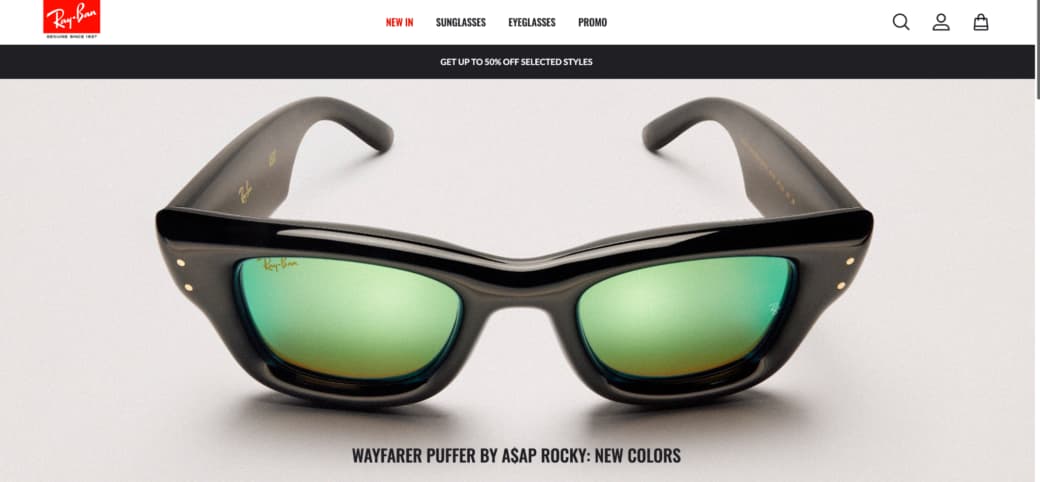
5. Ray-Ban (Best for Iconic Sunwear)

Some buyers care strictly about historical brand recognition and pop culture status. Ray-Ban serves this highly specific demographic perfectly.

Heritage and Premium Pricing

The legacy brand delivers unbeatable cultural cachet globally. Everyone instantly recognizes their specific temple logos and classic metal rivet designs from famous movie screens. You pay a heavy financial premium for this visual recognition. Their retail prices sit at the absolute top of the consumer market. Buyers choose this established brand for social status rather than finding true economic value.

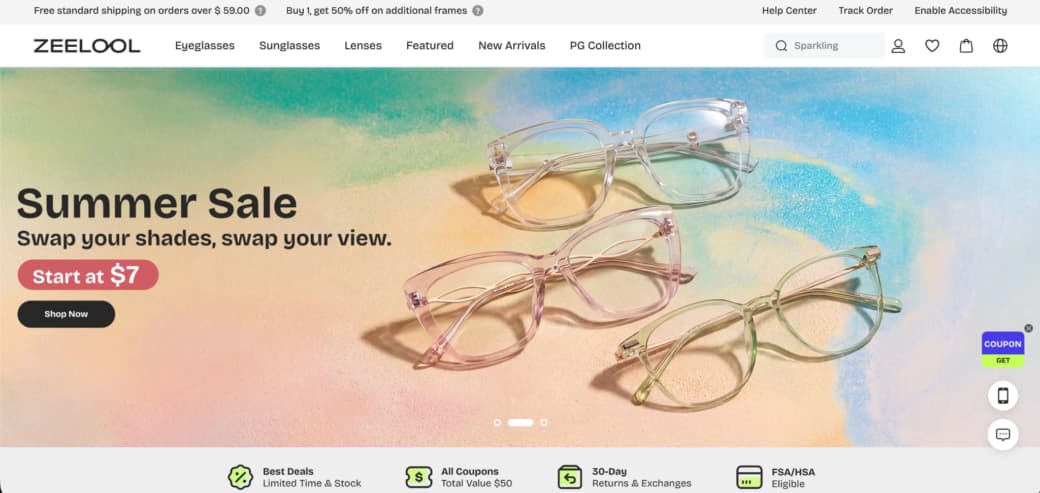
6. Zeelool (Best for Bold Statement Pieces)

Zeelool heavily targets people who view optical gear as loud, expressive facial jewelry. Their digital catalog looks wildly different from traditional, boring optical shops.

Aesthetic Breakdown

  • The sprawling inventory features unmatched vibrant colorways and daring architectural acetate frame cuts.
  • Shoppers easily find heavy glitter infusions, asymmetrical temple arms, and bright neon animal patterns.
  • This platform works best for creative professionals and digital influencers rather than conservative corporate office workers needing subtle wireframes.

7. Specsavers (Best for Traditional Clinical Trust)

Specsavers successfully translates the traditional local doctor experience into a clean, highly functional digital format. They bridge the gap between physical medical clinics and online retail.

  • The platform provides rock-solid global optometric heritage translated directly into an easy digital checkout cart.
  • They aggressively enforce incredibly strict laboratory standards for every single lens they cut in their facilities.
  • Customers who have highly complex medical needs or extreme prescriptions often feel safest ordering from this established clinical powerhouse.

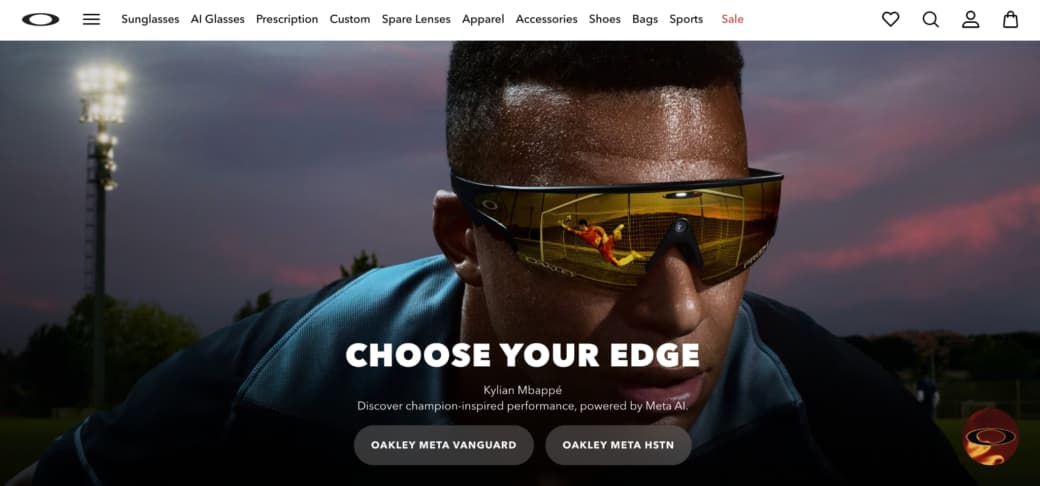
8. Oakley (Best for High-Impact Sports)

Oakley heavily engineers specialized eyewear for extreme physical activity and outdoor combat. They dominate the athletic sector through heavy, continuous research and development.

Maximum Performance Features

The specialized frames provide ballistic-rated frame durability and world-class grip ergonomics. The proprietary rubber components actually become physically stickier when you start to sweat. Mountain bikers, marathon runners, and professional athletes trust this specific brand to survive intense physical impacts while heavily protecting their eyes from flying debris.

9. Firmoo (Best for Viral Trendy Cuts)

Firmoo operates exactly like a rapid fast-fashion brand for your face. They track global digital style movements and update their catalog constantly to match.

  • The brand is hyper-reactive to weekly social media style cycles and viral fashion trends.
  • They intentionally keep their entry prices very affordable, allowing college students to buy multiple trendy shapes.
  • The catalog features highly popular Korean and Japanese streetwear silhouettes, including oversized thin wireframes and translucent pastel plastics.

10. Ace & Tate (Best for Carbon-Neutral Shopping)

Ace & Tate focuses entirely on sustainable global manufacturing. They target environmentally conscious, younger shoppers who want premium goods without the ecological guilt.

Minimalist Design and Strict Ethics

The company delivers sleek European minimalism perfectly paired with strict environmental ethics. They utilize modern bio-acetates and recycled industrial metals to build their frames. Their specific designs heavily avoid loud corporate logos and focus intensely on clean, highly functional architectural lines.

Master Buyer’s Matrix: Which Brand Fits Your Specific Prescription?

Choosing the absolutely correct digital retailer depends heavily on your specific medical requirements and daily physical lifestyle. A shopper needing a massive, heavy sunglass frame requires a completely different online store than someone looking for basic reading magnification for late-night book sessions.

Shoppers with standard single-vision needs should always target maximum economic value. There is zero logical reason to pay premium luxury prices for a basic spherical optical correction. BLACKSHEEP dominates this specific budget category entirely. Their unique ability to deliver a finished, highly accurate optical product for under three dollars completely ruins the old pricing logic of traditional mall stores. You can easily build a highly reliable collection of backup frames for the exact price of a single fast-food meal.

The internet completely fixed the broken optical industry. You now hold the immense power to compare thousands of unique designs in mere seconds. Review your latest eye doctor chart, decide on a firm basic budget, and select a modern digital storefront that fully respects your hard-earned wallet.

6 Tools Helping Organizations Preserve Process Knowledge During Software Changes

A software change can reveal something uncomfortable. Sometimes the people running the business know far more than the business itself.

The purchasing coordinator who understands which supplier exceptions matter. The operations manager who knows why an approval route was modified five years ago. The finance specialist who can spot a reporting issue before anyone else notices.

None of that knowledge appears in the software. Most of it never makes its way into documentation either. Then a migration project begins.

A new ERP replaces an old one. Salesforce gets rolled out across additional departments. Legacy systems are retired. Teams change. Roles shift. Suddenly, information that once circulated naturally becomes surprisingly difficult to find.

The risk isn’t losing data. It’s losing context. And context is usually what keeps processes working.

Why Software Projects Create Knowledge Gaps

When organizations discuss software changes, conversations tend to revolve around integrations, configurations, and timelines.

The operational side receives less attention. People adapt processes over time. They develop shortcuts. They create approval patterns. They learn which exceptions matter and which can be ignored.

Years later, much of that knowledge exists only because employees remember it. The moment systems begin changing, those unwritten rules become visible.

That’s why many organizations now treat knowledge preservation as a dedicated workstream rather than an afterthought.

The Challenge Isn’t Documentation

Most companies already have documentation. The challenge is usually one of three things:

  • The information is outdated.
  • Nobody knows where it lives.
  • It doesn’t reflect how work actually happens.

The tools below approach that problem from different angles. Some focus on capturing workflows. Others help organize information, deliver guidance, or make knowledge easier to access during periods of change.

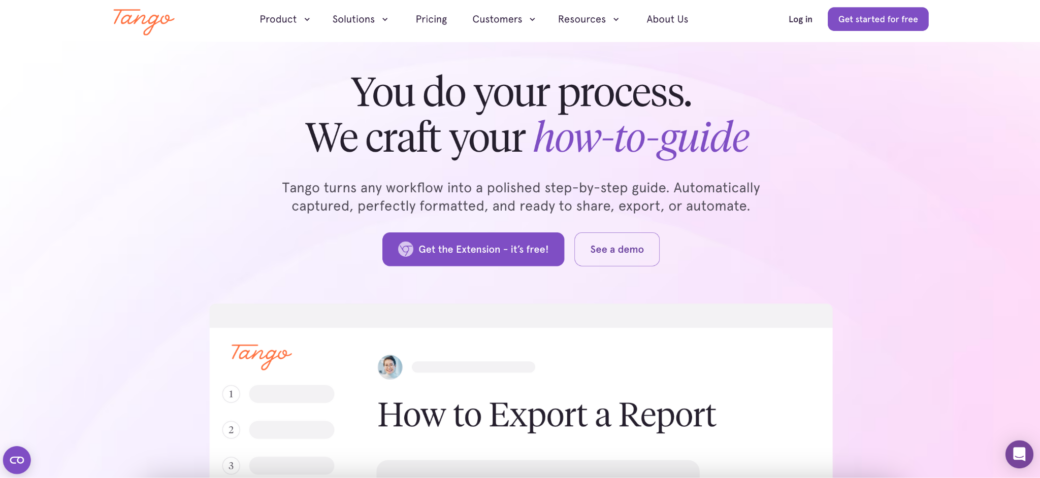
1. Tango

There is a pattern that appears during many software projects. The people who know the process best are usually the busiest people in the organization. Asking them to spend weeks creating documentation rarely works.

Tango was built around a more practical idea. Instead of separating documentation from daily work, teams can create process guides while completing the workflow itself.

This often becomes useful during ERP migrations, CRM implementations, and operational transformations where procedures are evolving quickly and traditional documentation struggles to keep up.

Organizations commonly use Tango alongside:

  • Salesforce
  • Oracle
  • NetSuite
  • Workday
  • Industry-specific business systems

Rather than producing large manuals that few employees read, the platform focuses on creating practical process guidance that can be reused across teams.

For organizations worried about knowledge disappearing during transitions, speed often matters just as much as documentation quality.

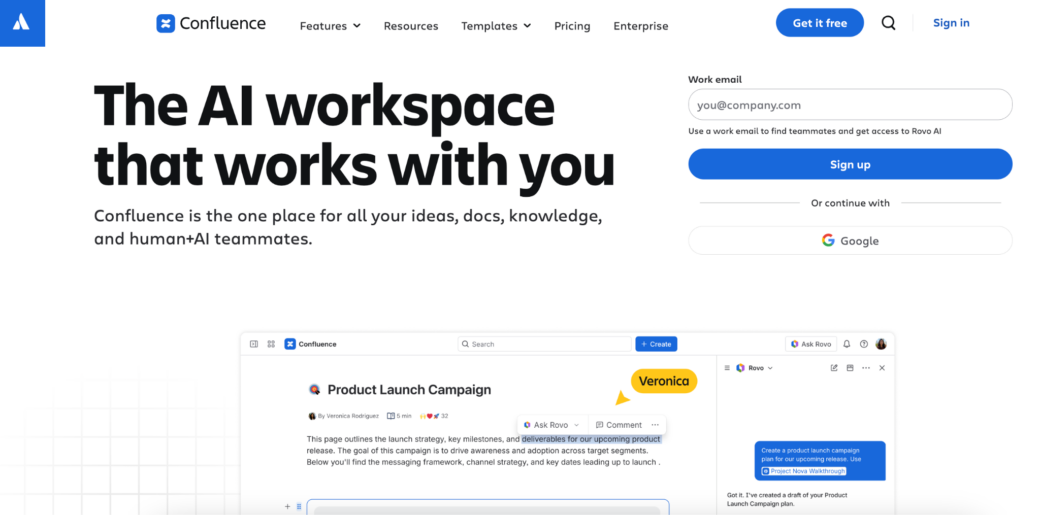
2. Confluence

Some companies don’t have a documentation problem. They have a documentation sprawl problem.

Process information exists in folders, shared drives, project tools, spreadsheets, chat threads, and internal portals. Finding the right version becomes a project of its own. Confluence is frequently used as a central location for organizing operational knowledge.

Implementation teams often rely on it to store:

  • Process maps
  • Governance decisions
  • Operating procedures
  • Project documentation
  • Departmental knowledge

It may not be the fastest way to create content, but it remains one of the most common destinations for information that organizations want to preserve long after a software project ends.

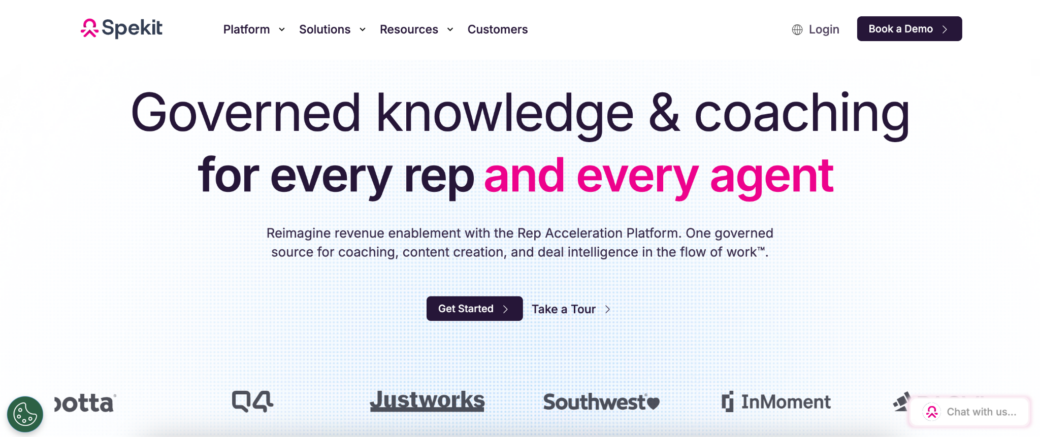
3. Spekit

Knowledge becomes less useful every time employees have to leave their workflow to find it. That sounds obvious.

Yet many organizations still expect users to stop what they’re doing, open a separate system, search for a guide, and then return to their work.

Spekit focuses on reducing that distance. Instead of treating documentation as something stored elsewhere, the platform helps surface relevant information closer to the applications employees use every day.

This approach tends to resonate with organizations where software changes affect large numbers of users and operational consistency matters more than formal training programs.

The information is still documented. The difference is where people encounter it.

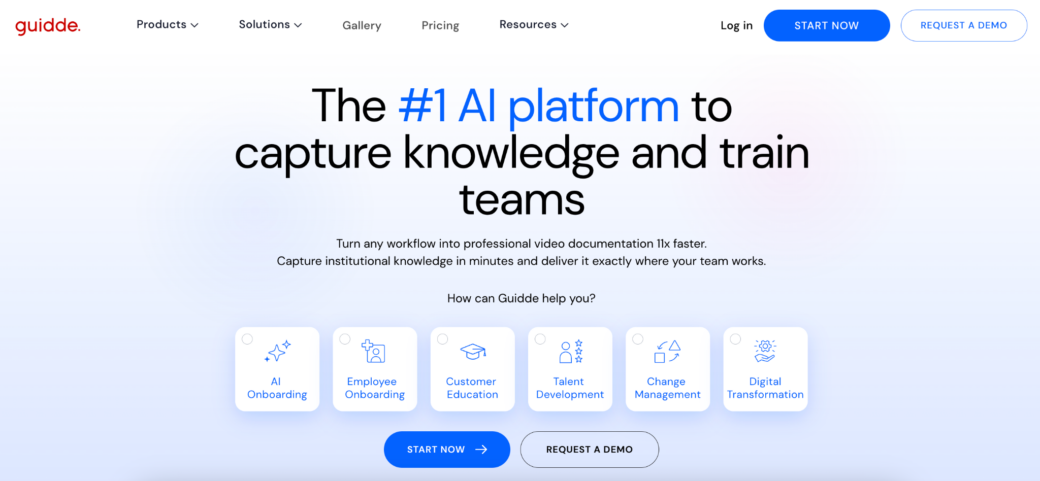
4. Guidde

Not every software project needs an elaborate knowledge strategy. Sometimes teams simply need to document processes before they change. Guidde is often used in those situations.

Organizations can create visual guides quickly, making it easier to capture workflows while implementation projects are still moving.

That speed becomes valuable during software transitions because processes rarely stay frozen for long. Documentation efforts that take months often end up describing a system that no longer exists.

Guidde appeals to teams that want usable guides without building an entire documentation ecosystem around them.

5. WalkMe

Preserving knowledge is one thing. Helping people apply it is another. A guide can explain a process perfectly. Employees may still struggle when they encounter the workflow for the first time inside a new system.

WalkMe focuses on delivering guidance directly within applications. Large organizations often use the platform during transformation initiatives where software adoption and knowledge transfer happen simultaneously.

The goal isn’t simply storing information. It’s helping users act on it when they need it. For enterprise environments undergoing significant change, that distinction can be important.

6. Trainual

Some knowledge needs structure. Especially after software changes. Organizations often emerge from implementation projects with dozens of new procedures, updated workflows, revised responsibilities, and operational changes that need to be formalized.

Trainual is commonly used to organize those processes into a more consistent framework. Many companies adopt it when they need to standardize how work should happen moving forward, rather than simply documenting how work happened previously.

This can be useful after major transitions where teams are creating new operating models alongside new technology.

The Biggest Risk Usually Has a Name

Ask project leaders what knowledge they are most worried about losing. The answer is rarely a document. It’s a person. The employee everyone calls when something breaks. The manager who knows why a process exists. The specialist who remembers every exception.

Software projects have a way of exposing how much organizations depend on individuals rather than systems. That realization is often uncomfortable. It can also be useful.

What Employees Take With Them

When someone leaves, they don’t take the software. They take the explanations. The shortcuts. The judgment calls. The details that never made it into a training guide.

Organizations going through software changes face the same challenge on a larger scale. The technology can be migrated. The data can be transferred. Rebuilding lost operational knowledge is far more difficult.

The platforms above solve different pieces of that puzzle. Some help capture knowledge before it disappears. Others make it easier to organize, distribute, or access.

The common objective is simple: making sure critical processes remain understandable long after the people who originally designed them have moved on.

Payment Gateway Architecture — Key Decisions

Payment gateway architecture determines how data flows between merchants, banks, and processors. Every design choice affects speed, security, and the ability to handle growing volume. Speed, security, and reliability all trace back to these underlying architectural decisions.

Poor design choices create problems that scale with transaction volume. Teams that treat the gateway as a standalone component often discover this during QA. By then, architectural changes become expensive and time-consuming.

Payment Processing Architecture Patterns

Two primary architectural models exist for payment systems: monolithic and microservices. 

Monolithic designs bundle every module into one codebase. This style simplifies early development. But it struggles with scalability and deployment speed. Updating one feature requires rebuilding everything.

Microservices payment architecture breaks the system into independent services. Each component owns a specific function. Authentication, transaction initiation, settlement, reconciliation, and refunds run as separate services.

This approach offers clear advantages. Each service scales independently based on demand. If transaction volume spikes, the payment initiation service scales up without affecting notification services. Teams can deploy updates to one service without touching others. Service isolation means failure in one area doesn’t cascade across the system.

Why Payment Gateway Architecture Matters More Than You Think

The gateway handles one specific function. It collects card or account details, tokenizes that information, passes it to processors or banks, and sends back authorization results. What the gateway does not do is manage the full transaction lifecycle. It does not track a charge from the initial authorization through capture and final settlement.

Those responsibilities sit with the broader processing system. Designing the gateway as if it handles everything creates gaps that only become visible when transaction volume climbs. Teams that build their gateway in isolation typically discover these gaps during QA, when the acquirer’s auditor points out violations.

Payment processing architecture choices affect every part of the transaction flow. They determine how a payment request becomes a confirmed transaction, how retries are handled, how duplicate charges are prevented, and how settlement data matches internal records. Getting these choices wrong adds months to the timeline and six figures to the budget.

Stateful Design: Payments Follow a Lifecycle

Many platforms operate on a stateless assumption. The user clicks buy, the gateway sends a request, and the system waits for an immediate yes or no. That model works fine at low volumes. It fails when traffic scales up.

Every transaction moves through a defined sequence. Authorization happens first. Capture, settlement, and payout follow at different times across different systems. A well-designed processing system tracks each request as stateful. It keeps records of initiated, authorized, captured, settled, failed, and pending states. It logs every transition between them.

Stateless designs depend on instant external responses. Delayed callbacks or retries cause transaction state to drift. Payment events can show up out of order. Stateful design fixes this by giving the payment service full control over lifecycle management. The system applies updates only when external changes are confirmed.

Payment system best practices call for explicit pending state modeling. Business logic should continue safely even while waiting for confirmations. Clear state transitions make sure the architecture never relies on a single payment event to determine correctness.

Idempotency and Retries: First-Class Concerns

Networks are inherently unreliable. An executor can send a request, receive no response, and have no idea whether the transaction succeeded. Retries become necessary in these situations. Without idempotency, resending that same request could charge the customer twice or create mismatched records.

Idempotency stops duplicate charges from repeated requests. When a payment registration comes in, the system looks for an existing transaction with that idempotency key. Finding one means the system sends back the stored result rather than reprocessing. Clients generate these idempotency keys as unique values, usually UUIDs.

A payment system that treats idempotency as optional is betting against reality. At scale, reality wins. Unique key constraints in the database enforce that only one payment request with a given idempotency key is processed.

Separate Execution from Accounting

Executing a transaction and recording its financial outcome are two different responsibilities. The executor manages external service calls to gateways, processors, and banks. The ledger service records debits and credits within a double-entry system.

When these responsibilities are combined, partial failures create inconsistencies. A provider confirms a charge, but ledger writing fails. Or accounting updates before confirmation. Clear separation avoids this fragility. The payment executor handles communication and retries. The ledger records outcomes only when state transitions are validated. Financial data remains consistent even when external systems behave unpredictably.

Payment Gateway Security Architecture

Security isn’t a feature added at the end. It must be built into the foundation.

Payment gateway security architecture stacks multiple protection layers. End-to-end encryption secures data while it travels across networks. Tokenization swaps raw card numbers for non-sensitive substitutes. Those substitutes shrink PCI DSS compliance scope because sensitive data no longer lives in core systems.

PCI DSS scope must be established before a single line of payment code is written. Retrofitting the tokenization architecture and network segmentation after development reveals scope gaps. This adds 4 to 6 months and six figures in unplanned engineering costs.

According to engineers at SPD Technology, who have built custom payment gateways for fintech clients in the UK and EU, compliance scope must be established before code is written. Companies that define CDE scope upfront, design tokenization vaults early, and isolate the CDE through network segmentation avoid these delays.

For an eCommerce platform, SPD Technology isolated the Cardholder Data Environment on a hardened server separate from core systems. This single architectural decision cut PCI DSS validation scope by 80 percent.

High-Availability Payment Infrastructure

Processors target 99.99 percent uptime, which works out to under five minutes of downtime each month. Reaching that level demands careful infrastructure choices.

High-availability payment infrastructure depends on redundancy across multiple levels. Multi-region data centers provide geographic failover capabilities. When one region fails, others absorb the traffic. Network redundancy includes multiple ISPs and backup power systems.

Scalable payment gateway design uses horizontal scaling. Additional servers join the pool to handle more load instead of upgrading one machine. Load balancers distribute requests across servers, run health checks, and protect against traffic surges.

Payment Gateway Technology Stack

Modern gateways consist of several integrated components:

  • Transaction Processing Engine — manages authorization requests, validation, and acquirer communication
  • Tokenization Vault — stores cardholder data as secure tokens
  • Fraud Detection Modules — apply machine learning and rule-based pattern analysis
  • Routing and Cascading Logic — selects acquirers dynamically based on cost, location, and success rates

The payment gateway technology stack typically includes message queues such as Kafka or RabbitMQ. These systems absorb traffic spikes and preserve message order. Queueing prevents bottlenecks when transaction volumes peak.

Smart Routing and Multi-Provider Design

Relying on one gateway means depending on a single provider for every transaction. Multi-gateway configurations connect several providers through direct integrations or a central orchestration layer.

Least-cost routing, failover redundancy, and support for more methods all come from multi-gateway architecture. Smart routing looks at real-time success rates and network latency to choose the best option for each transaction. Geographic optimization sends transactions to local acquirers rather than routing them internationally. That approach lowers cross-border fees and improves approval outcomes.

SPD Technology engineers have built custom payment infrastructure across payments, lending, and digital banking for clients in the UK and European markets. One LegalTech platform with 20 million users needed simultaneous payment integrations across several regions. The team designed PSP abstraction layers that let them swap processors without rewriting core logic. That design choice eliminates vendor lock-in.

Final Thoughts

Architecture choices made during the first week of a payment gateway project determine compliance costs, fraud exposure, and operational overhead for the system’s entire lifespan. Clean gateway designs rely on abstraction layers that treat payment service providers as interchangeable parts. That prevents vendor lock-in and strengthens merchant negotiating power during fee discussions.

Companies weighing custom gateway development need to decide whether transaction volumes justify the investment. For many, integrating an existing platform delivers better returns.

road

Top 7 JavaScript Chart Libraries for Financial and Scientific Web Apps

Financial and scientific web apps usually need more than basic dashboard charts. Trading terminals, market data tools, laboratory software, medical systems, engineering platforms, telemetry screens, and research dashboards all depend on precise data visualization. These products often deal with dense time series, live values, zooming, panning, annotations, comparisons, and detailed user interaction. Charting quality affects how users analyze data, not only how the interface looks. The wrong library can slow the product down or limit future visualization work.

This list compares libraries by rendering behavior, technical chart support, time series handling, interaction quality, documentation, framework fit, and practical use in financial or scientific products. The tools below are not seven versions of the same charting approach. Some are better for heavy browser visualization, while others make more sense for focused market charts, analytical tables, time series, or lighter technical reports. The main selection criteria were:

  • Ability to handle dense or frequently updated datasets;
  • Support for time series, technical charts, and analytical views;
  • Interaction quality during zooming, panning, tooltips, and annotations;
  • Fit for browser-based products with long-term maintenance needs;
  • Documentation, examples, licensing, and implementation effort.

The list starts with the most relevant option for demanding financial and scientific visualization, then moves through lighter, more focused, or more general tools.

1. SciChart

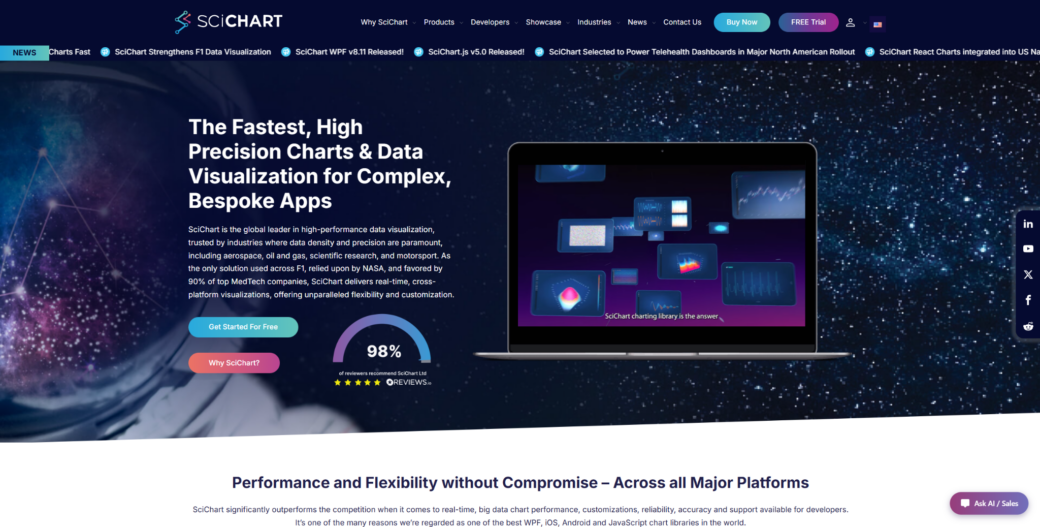
SciChart is a JavaScript charting library for technical products that need fast rendering, advanced visuals, and detailed interaction with large datasets.

SciChart fits financial platforms, scientific interfaces, engineering tools, medical software, and monitoring products where charts carry serious product value. In these environments, SciChart performance charting library can handle large browser-based datasets, live updates, zooming, panning, annotations, and technical chart interaction. It is not the easiest option for a small dashboard or a basic reporting page. Its value becomes clearer when users rely on charts to inspect, compare, and act on data. SciChart is strongest when chart speed and visual depth directly affect user decisions.

Financial and scientific applications often need charts to stay responsive while users inspect dense data, compare values, and move through historical or live series. SciChart supports advanced visual types such as 2D charts, 3D charts, heatmaps, gauges, polar charts, and technical chart layouts. Documentation, examples, demos, and support reduce implementation risk during product development. The library is commercial, so it makes the most sense when advanced visualization is important enough to justify the license. For teams building chart-heavy products, that tradeoff can be easier to defend than fighting performance limits later.

SciChart’s value comes from the mix of rendering speed, chart depth, interaction control, and support for serious product use. It handles browser load well, keeps interaction smooth, and gives teams room to build large-scale technical visualization without starting from scratch. The most practical reasons to consider it are:

  • Handles large datasets and frequent updates in browser-based products;
  • Supports 2D charts, 3D charts, heatmaps, gauges, polar charts, and other advanced visuals;
  • Gives developers control over annotations, styling, interactions, and chart behavior;
  • Fits financial, scientific, engineering, medical, and monitoring use cases;
  • Provides examples, demos, documentation, and support for production implementation.

Consider SciChart when charts are central to how users read, compare, and act on data. It may be too much for simple reporting screens, but it is highly relevant for technical products where chart quality affects workflow. For focused financial time series, TradingView Lightweight Charts offers a different tradeoff.

2. TradingView Lightweight Charts

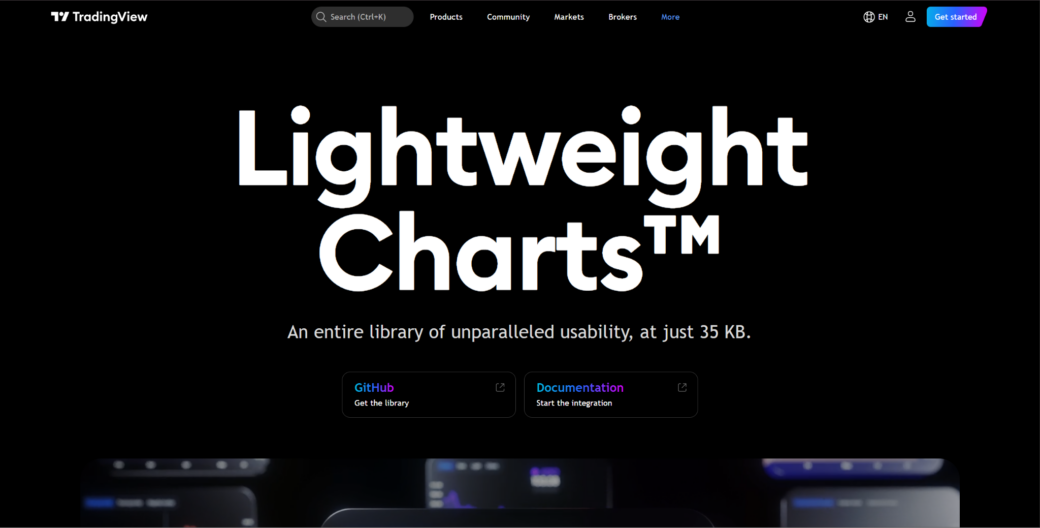
TradingView Lightweight Charts is a financial charting library focused on clean, fast, and lightweight market data visualizations.

TradingView Lightweight Charts is a focused tool for financial time series rather than a general charting library. It suits price charts, market dashboards, crypto interfaces, portfolio tools, and trading-related web apps. Its appeal comes from lightweight rendering and a familiar financial chart style. It is not a full scientific visualization toolkit. The library makes sense when the product mainly needs clean market charts instead of a broad chart variety.

Financial apps often need responsive time series charts that users can scan quickly. TradingView Lightweight Charts supports candlestick-style views, line charts, price movement, historical data, and chart interaction. Its narrower focus can be an advantage when the product is centered on market data. Teams needing maps, 3D charts, scientific plots, or deep custom visuals will likely need another library. The main value is speed and clarity for financial charting.

This library is useful for focused market interfaces. It keeps the chart presentation clean and familiar for finance users without adding unnecessary visual weight. The main reasons to consider it are:

  • Focuses on lightweight financial charting for market data products;
  • Suits price charts, portfolio tools, crypto dashboards, and trading interfaces;
  • Keeps the chart presentation clean and familiar for finance users;
  • Reduces unnecessary weight when the product needs focused time series visuals;
  • Works better for financial charts than for broad scientific visualization needs.

TradingView Lightweight Charts is useful when the financial chart itself is the main requirement. It is less suitable when a product needs many non-financial chart types or heavy custom scientific views. For analytical interfaces that combine tables and streaming data, Perspective offers a different angle.

3. Perspective

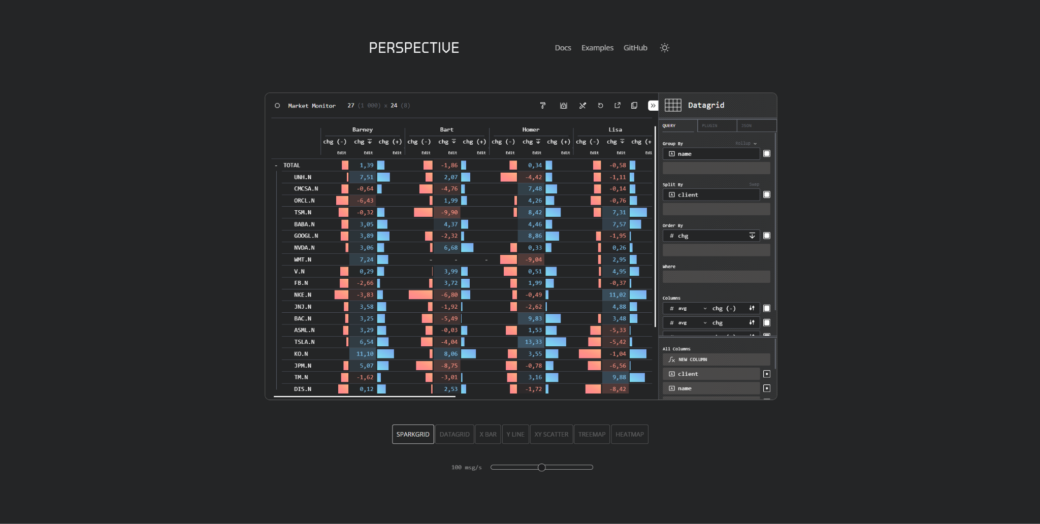
Perspective is an open-source analytics tool for interactive data tables, streaming data views, and connected visual analysis.

Perspective is better understood as a tool for data-heavy analytical interfaces than as a classic chart library. It fits financial dashboards, real-time analytics, trading operations, internal research tools, and data exploration screens. Its value lies in combining data tables, streaming updates, and visual views. It is not the best option for polished customer-facing chart design. Perspective is most relevant when the product needs interactive analysis around changing datasets.

Many financial and scientific tools are not only about charts. They often need tables, filters, grouping, aggregation, streaming values, and visual summaries in one interface. Perspective can help when users need to inspect and reshape data while still seeing visual output. That makes it useful for workflows where the chart is connected to active data exploration. Design-heavy dashboards may need extra UI work around it.

Perspective fits products where data analysis and charting sit close together. It works with streaming or frequently changing datasets and can support interfaces where users need to explore data from several angles. Its main strengths are practical:

  • Supports interactive data views for analytical and technical interfaces;
  • Works with streaming or frequently changing datasets;
  • Combines tables, grouping, filtering, and visual exploration;
  • Fits financial operations tools, internal analytics, and research dashboards;
  • Makes sense when users need to inspect data, not just view a static chart.

Perspective is a good option when the product experience includes active data exploration. It may not replace a specialized charting library for advanced scientific plots or highly branded visuals. For dense time series line charts, Dygraphs provides a more focused approach.

4. Dygraphs

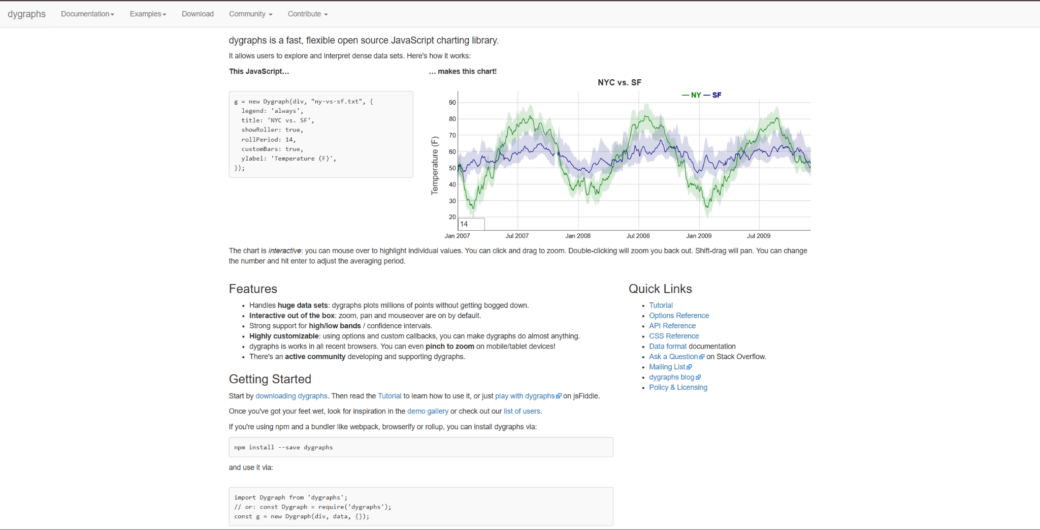
Dygraphs is a JavaScript charting library focused on dense time series and interactive line charts.

Dygraphs is a focused library for time series visualization. It suits scientific measurements, sensor readings, historical data, monitoring views, research dashboards, and technical line charts. The library is useful when the main job is exploring dense data over time. It is not a modern all-purpose dashboard suite. Dygraphs makes sense for teams that need practical time series charts without a large visual system.

Scientific and technical users often need to zoom, inspect, compare, and read trends across long datasets. Dygraphs can be relevant when those interactions matter more than polished UI presets. Its narrower scope can be a strength if the product does not need many chart families. It keeps attention on time-based analysis rather than broad visual presentation. Teams building advanced product dashboards may need more design flexibility or broader chart coverage.

Dygraphs is a practical time series option for technical use cases. It is most useful when line charts, dense datasets, and interactive inspection are the main requirements. The key strengths are:

  • Handles dense time series and interactive line charts;
  • Supports technical use cases involving measurements, trends, and historical data;
  • Allows users to inspect data through zooming and chart interaction;
  • Keeps the focus on time-based analysis rather than broad visual design;
  • Suits research, monitoring, and scientific dashboards with clear line chart needs.

Dygraphs is useful when the project needs focused time series exploration. It is less convincing for teams that need modern UI polish, maps, 3D views, or a large chart catalog. For a simpler D3-based option for standard technical dashboards, C3.js offers a different path.

5. C3.js

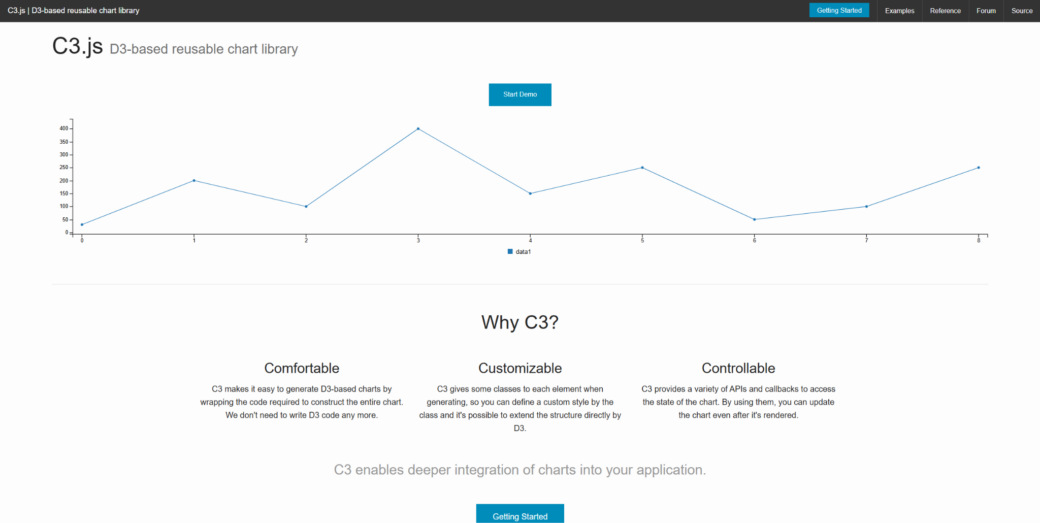
C3.js is a D3-based charting library that gives teams a simpler path to standard JavaScript charts.

C3.js is built on D3 and reduces manual chart setup for common chart types. It fits technical dashboards, internal reports, analytics screens, and simpler data products. It is not the same as using raw D3.js for a fully custom visualization. It should not be treated as the strongest choice for heavy scientific or high-frequency financial workloads. C3.js can work when a team wants familiar charts without deep low-level development.

Some financial or scientific products only need standard charts to support the main interface. In those cases, a simpler D3-based tool can be practical. The library supports line, bar, area, and other common charts. It can help teams add useful visuals without turning charting into the main engineering problem. Project activity, long-term maintenance, and fit with the current stack should still be checked.

C3.js is a lightweight middle option for standard charting. It provides common chart types with less manual setup than raw D3.js. Its strongest use cases are straightforward technical dashboards and internal analytics screens:

  • Provides common chart types with less manual setup than raw D3.js;
  • Supports technical dashboards, reports, and internal analytics screens;
  • Gives teams a familiar JavaScript charting path for standard visuals;
  • Works when charts support the product but are not the main technical risk;
  • Makes sense for simpler analytical interfaces that do not need deep custom visuals.

C3.js is more useful for standard charting than for advanced financial or scientific visualization. It can be practical in lighter technical dashboards, but teams should evaluate maintenance needs carefully. For a broader and more accessible charting option, Google Charts covers different ground.

6. Google Charts

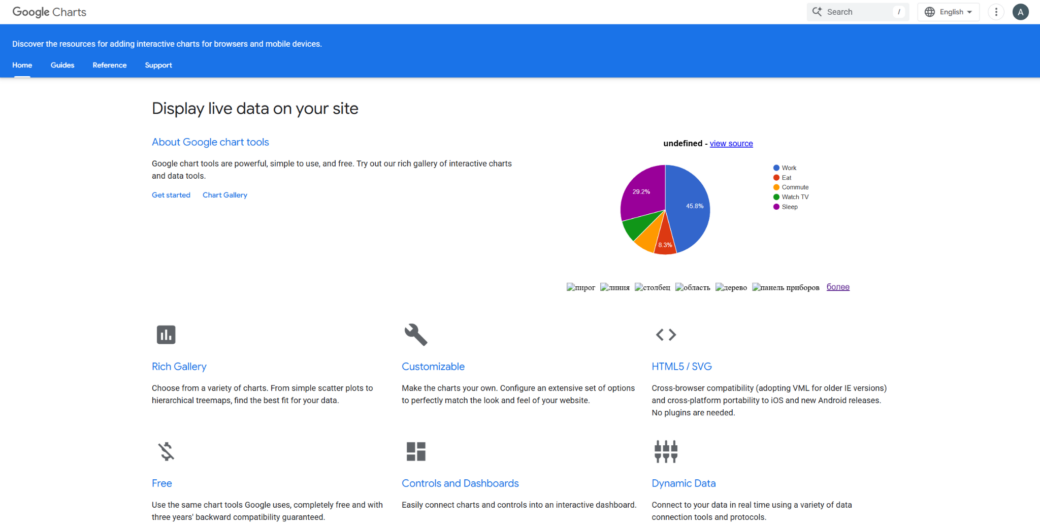
Google Charts is a browser-based charting library for teams that need accessible charts with a familiar setup path.

Google Charts is a general charting option for lighter technical dashboards and reports. It fits internal tools, education projects, research summaries, operational reports, and simple analytics interfaces. Its appeal comes from accessibility and a familiar Google-backed ecosystem. It is not a high-end engine for dense scientific or financial data. Google Charts works better for clear reporting than for specialized technical visualization.

Many teams do not need deep custom rendering for every technical dashboard. Sometimes they need charts that are easy to add, explain, and maintain. Google Charts can help in those lighter situations. It gives teams a simple route to common visual formats without requiring a specialized charting stack. Teams should be careful if they need heavy interactivity, full visual control, or advanced chart behavior.

Google Charts can still have a place in simpler technical products. It covers common chart types for reports, summaries, and dashboards. The main reasons to consider it are:

  • Covers common chart types for reports, summaries, and dashboards;
  • Offers a familiar setup path for teams that need quick chart output;
  • Suits education, internal analytics, and operational reporting use cases;
  • Works better for lighter dashboards than for high-load technical products;
  • Makes sense when simplicity and accessibility matter more than deep customization.

Google Charts is practical when charting needs are modest, and the team wants a simple route. It is less relevant for products where chart interaction, performance, or custom design is central. For small time series and simple technical visuals, MetricsGraphics.js provides an even lighter approach.

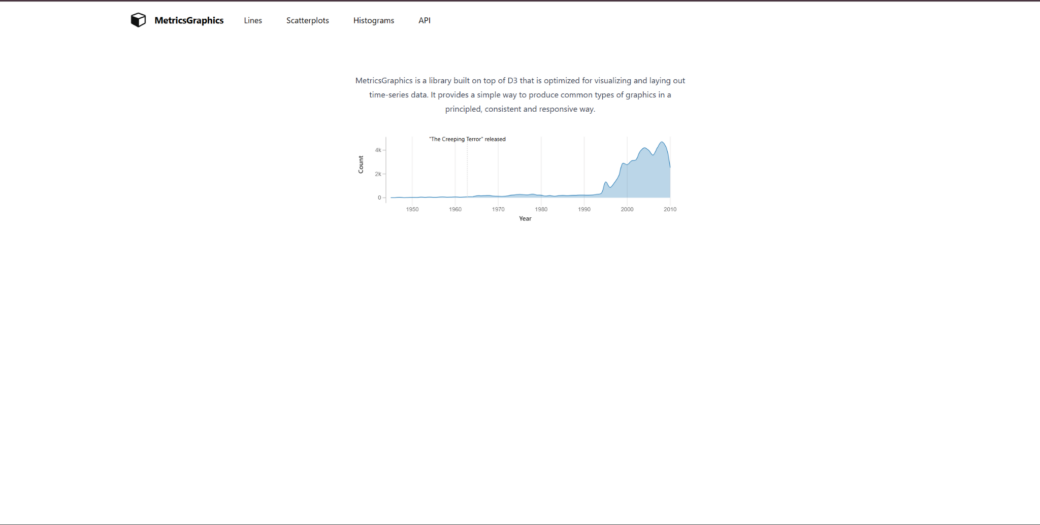
7. MetricsGraphics.js

MetricsGraphics.js is a small charting library aimed at simple data graphics, especially time series and analytical visuals.

MetricsGraphics.js is a lightweight option for simpler analytical graphics. It suits time series, research summaries, internal dashboards, technical reports, and quick data views. It is not a modern heavy-duty charting platform. Teams should be careful before using it for demanding financial platforms or complex scientific products. MetricsGraphics.js may still fit small projects where simplicity matters more than broad chart depth.

Not every financial or scientific interface needs a large library. Some projects only need clear data graphics for a narrow set of use cases. MetricsGraphics.js can be considered when the charting layer is small, and the team wants a lightweight approach. That makes it more relevant for small internal tools or simple analytical pages than for serious production platforms. Project age, maintenance, and compatibility should be checked before adoption.

MetricsGraphics.js belongs here as a small, focused option. It can support simple analytical graphics and time series views without adding a large toolkit. The main points to check are:

  • Supports simple analytical graphics and time series views;
  • Fits smaller reports, internal dashboards, and research summaries;
  • Keeps charting focused when the product does not need a large toolkit;
  • Works better for narrow visual needs than for complex technical platforms;
  • Requires careful review of maintenance, compatibility, and long-term fit.

MetricsGraphics.js is not a direct rival to heavier charting tools. It can help with simple technical visuals, but teams should be careful before using it in serious production products.

Final Thoughts

Financial and scientific web apps need chart libraries that match the data load, interaction needs, and technical depth of the product. SciChart is the strongest option when advanced browser visualization, large datasets, and detailed interaction are central to the workflow. TradingView Lightweight Charts, Perspective, Dygraphs, C3.js, Google Charts, and MetricsGraphics.js each serve different scenarios, from focused market charts to lighter technical reports. No single tool is universally best. Test chart behavior with real datasets, zooming, updates, and maintenance requirements before choosing.

4 Snyk Alternatives Worth Evaluating for Startups

Startups rarely have security problems. At least not at the beginning. The product is still taking shape. The engineering team is small. Deployments happen quickly. Everyone knows the codebase. Founders are focused on growth, hiring, product-market fit, and getting customers through the door.

Security usually enters the conversation later. The first enterprise prospect sends a security questionnaire. A customer asks about vulnerability management. An investor raises questions about risk. Suddenly, security becomes something the company needs to explain rather than postpone.

This creates a challenge that larger organizations do not face quite as often. Startups need security platforms that provide meaningful coverage without creating enterprise-level complexity.

The goal is not building a massive security program. The goal is to reduce risk while allowing developers to keep moving quickly. That is why startup security evaluations often look different from enterprise evaluations. A platform that works well inside a 10,000-person company may feel unnecessarily heavy inside a team of twenty engineers.

When startups evaluate Snyk alternatives, they are often looking for tools that are easy to adopt, simple to manage, and capable of keeping pace with fast-moving development teams.

What Startups Usually Care About

Large enterprises often evaluate governance. Startups usually evaluate time. Every hour spent configuring security tools is an hour not spent shipping product. Every false positive creates friction. Every complicated workflow competes with product development priorities.

As a result, startup teams often prioritize:

  • Fast deployment
  • Developer adoption
  • Low maintenance overhead
  • Broad security coverage
  • Automation
  • Clear remediation guidance
  • Flexible pricing
  • Strong integrations

The platforms below are frequently considered by startups looking to balance security requirements with limited resources.

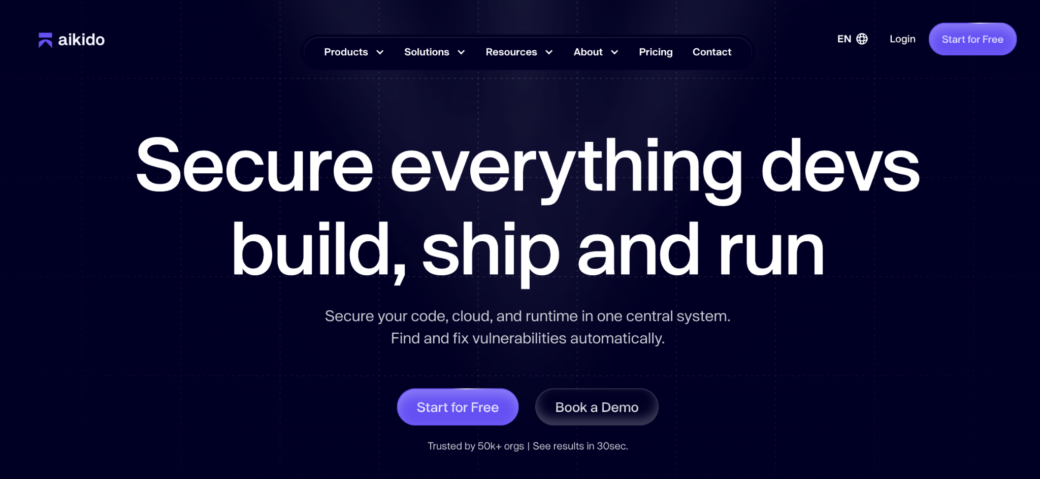
1. Aikido

One of the biggest challenges for startups is avoiding security tool sprawl before it begins. Many teams start with a scanner. Then they add another tool for dependencies. Another for cloud security. Another for secret detection. Eventually, a small company finds itself managing the same security stack as a much larger organization.

Aikido takes a different approach. The platform combines application security, cloud security, vulnerability management, runtime protection, supply chain security, AI-powered pentesting, secrets detection, malware scanning, container security, and remediation workflows within a single environment. For startups, this can remove the need to evaluate and maintain multiple security products from day one. 

The platform also places significant emphasis on automation and prioritization. AutoFix capabilities help generate pull requests automatically, while contextual analysis reduces the number of findings developers need to review manually. 

Capabilities include:

  • SAST
  • SCA
  • Cloud security
  • Secrets detection
  • Container security
  • Runtime protection
  • AI pentesting
  • Vulnerability management
  • Supply chain security
  • AutoFix remediation

For startups seeking broad coverage without assembling a large collection of security tools, Aikido is often one of the strongest options available.

2. Semgrep

Startups tend to prefer tools that feel flexible rather than prescriptive. Engineering teams often want the freedom to adapt security workflows as products evolve, architectures change, and new requirements emerge.

Semgrep has built a strong reputation in exactly that environment. The platform provides developer-focused security testing while remaining highly customizable. Teams can create their own rules, integrate scans into existing workflows, and avoid much of the complexity commonly associated with traditional enterprise security platforms.

Capabilities include:

  • SAST
  • Custom security rules
  • Secrets detection
  • Supply chain security
  • CI/CD integration
  • Developer-focused workflows

For startups with strong engineering cultures, that flexibility can be particularly appealing.

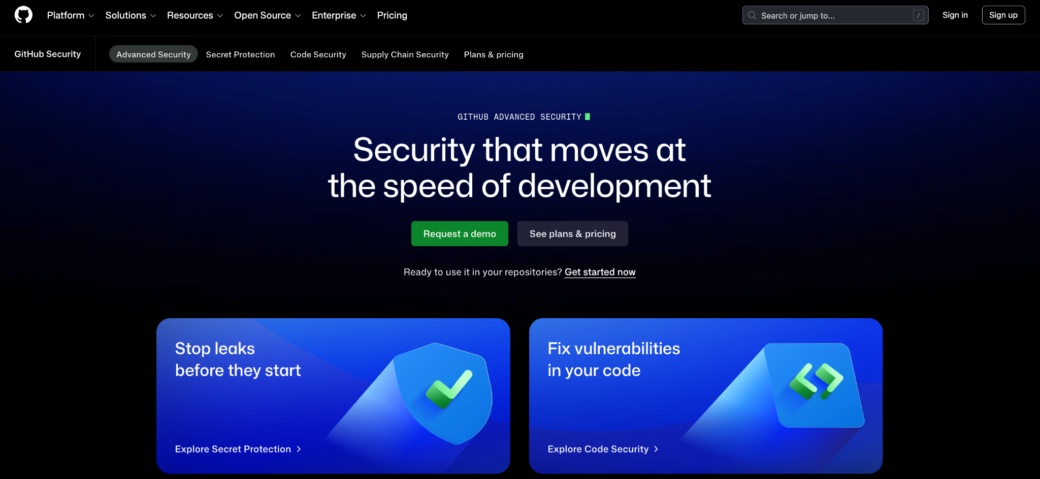
3. GitHub Advanced Security

Many startups already run most of their development process inside GitHub. Adding security directly into an environment that developers use every day can be significantly easier than introducing an entirely separate platform.

This is one reason GitHub Advanced Security continues gaining traction among growing technology companies. Security findings appear within repositories, pull requests, and workflows that developers already understand. Adoption often becomes easier because security is integrated into existing habits rather than requiring new ones.

Capabilities include:

  • Code scanning
  • Secret scanning
  • Dependency security
  • Pull request integration
  • Security campaigns
  • Copilot Autofix

For startups heavily invested in GitHub, the platform often feels like a natural extension of the development environment.

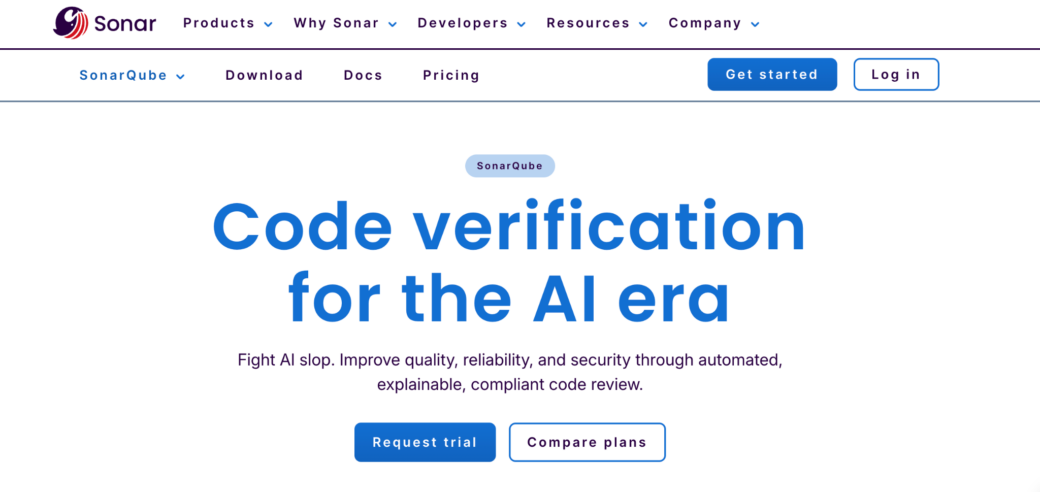
4. SonarQube

Startups are often trying to solve two problems simultaneously. They need secure software. They also need maintainable software. Technical debt can slow growth almost as effectively as security issues.

SonarQube remains popular because it addresses both concerns at the same time. Many engineering teams adopt it initially for code quality and maintainability, then expand usage as security requirements become more important.

Capabilities include:

  • Static analysis
  • Security issue detection
  • Code quality monitoring
  • Technical debt tracking
  • CI/CD integration

For smaller teams trying to improve software quality and security simultaneously, SonarQube continues to be a compelling option.

Why Startup Security Decisions Matter More Than They Seem

Early security decisions often last longer than founders expect. The first platform selected frequently becomes part of engineering workflows, compliance processes, customer security reviews, and internal development practices. Replacing that platform later can require retraining teams, rebuilding integrations, and revisiting established processes.

That does not mean startups need perfect security decisions. It does mean they benefit from choosing tools capable of growing alongside the business. A platform that works for ten developers should ideally continue working when there are fifty.
Security Should Not Slow Product Teams Down

Startups win by moving quickly. Security tools that create unnecessary friction rarely survive for long in those environments.

Developers naturally gravitate toward solutions that provide useful feedback without interrupting development. Security teams, meanwhile, want enough visibility to reduce risk and satisfy customer expectations.

The strongest startup security platforms tend to support both goals. They provide coverage where it matters while remaining lightweight enough for fast-moving teams.

Choosing the Right Snyk Competitor

Some startups spend months choosing development frameworks. Others spend weeks selecting cloud infrastructure. Security platforms often receive far less attention. That can be a mistake.

The security decisions made during the early stages of a company tend to survive much longer than founders expect. They shape developer workflows, influence customer conversations, and often determine how difficult security becomes as the organization grows.

Choosing the right platform is not about preparing for today’s challenges. It is about avoiding tomorrow’s.