road

Top 7 JavaScript Chart Libraries for Financial and Scientific Web Apps

Financial and scientific web apps usually need more than basic dashboard charts. Trading terminals, market data tools, laboratory software, medical systems, engineering platforms, telemetry screens, and research dashboards all depend on precise data visualization. These products often deal with dense time series, live values, zooming, panning, annotations, comparisons, and detailed user interaction. Charting quality affects how users analyze data, not only how the interface looks. The wrong library can slow the product down or limit future visualization work.

This list compares libraries by rendering behavior, technical chart support, time series handling, interaction quality, documentation, framework fit, and practical use in financial or scientific products. The tools below are not seven versions of the same charting approach. Some are better for heavy browser visualization, while others make more sense for focused market charts, analytical tables, time series, or lighter technical reports. The main selection criteria were:

  • Ability to handle dense or frequently updated datasets;
  • Support for time series, technical charts, and analytical views;
  • Interaction quality during zooming, panning, tooltips, and annotations;
  • Fit for browser-based products with long-term maintenance needs;
  • Documentation, examples, licensing, and implementation effort.

The list starts with the most relevant option for demanding financial and scientific visualization, then moves through lighter, more focused, or more general tools.

1. SciChart

SciChart is a JavaScript charting library for technical products that need fast rendering, advanced visuals, and detailed interaction with large datasets.
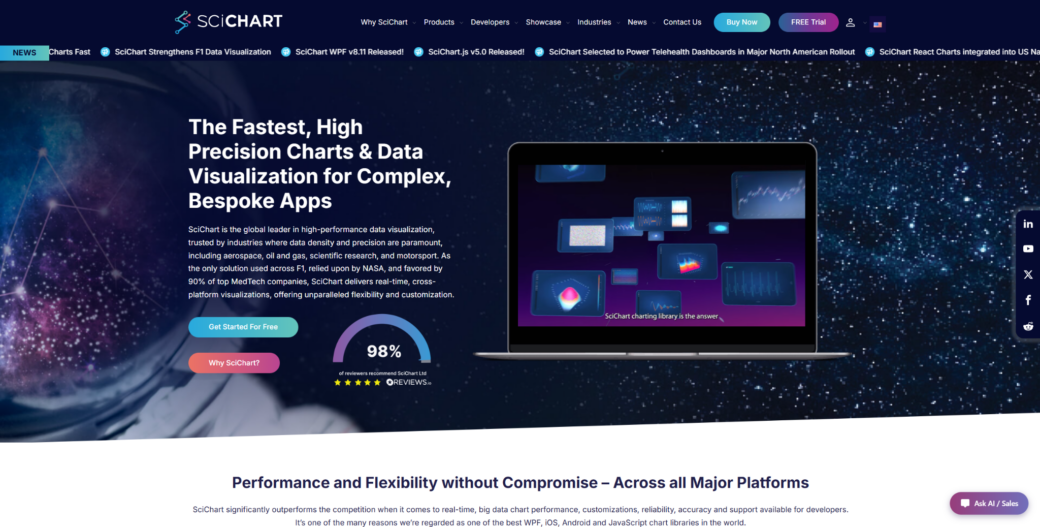
SciChart fits financial platforms, scientific interfaces, engineering tools, medical software, and monitoring products where charts carry serious product value. In these environments, SciChart performance charting library can handle large browser-based datasets, live updates, zooming, panning, annotations, and technical chart interaction. It is not the easiest option for a small dashboard or a basic reporting page. Its value becomes clearer when users rely on charts to inspect, compare, and act on data. SciChart is strongest when chart speed and visual depth directly affect user decisions.

Financial and scientific applications often need charts to stay responsive while users inspect dense data, compare values, and move through historical or live series. SciChart supports advanced visual types such as 2D charts, 3D charts, heatmaps, gauges, polar charts, and technical chart layouts. Documentation, examples, demos, and support reduce implementation risk during product development. The library is commercial, so it makes the most sense when advanced visualization is important enough to justify the license. For teams building chart-heavy products, that tradeoff can be easier to defend than fighting performance limits later.

SciChart’s value comes from the mix of rendering speed, chart depth, interaction control, and support for serious product use. It handles browser load well, keeps interaction smooth, and gives teams room to build large-scale technical visualization without starting from scratch. The most practical reasons to consider it are:

  • Handles large datasets and frequent updates in browser-based products;
  • Supports 2D charts, 3D charts, heatmaps, gauges, polar charts, and other advanced visuals;
  • Gives developers control over annotations, styling, interactions, and chart behavior;
  • Fits financial, scientific, engineering, medical, and monitoring use cases;
  • Provides examples, demos, documentation, and support for production implementation.

Consider SciChart when charts are central to how users read, compare, and act on data. It may be too much for simple reporting screens, but it is highly relevant for technical products where chart quality affects workflow. For focused financial time series, TradingView Lightweight Charts offers a different tradeoff.

2. TradingView Lightweight Charts

TradingView Lightweight Charts is a financial charting library focused on clean, fast, and lightweight market data visualizations.
TradingView Lightweight Charts is a focused tool for financial time series rather than a general charting library. It suits price charts, market dashboards, crypto interfaces, portfolio tools, and trading-related web apps. Its appeal comes from lightweight rendering and a familiar financial chart style. It is not a full scientific visualization toolkit. The library makes sense when the product mainly needs clean market charts instead of a broad chart variety.

Financial apps often need responsive time series charts that users can scan quickly. TradingView Lightweight Charts supports candlestick-style views, line charts, price movement, historical data, and chart interaction. Its narrower focus can be an advantage when the product is centered on market data. Teams needing maps, 3D charts, scientific plots, or deep custom visuals will likely need another library. The main value is speed and clarity for financial charting.

This library is useful for focused market interfaces. It keeps the chart presentation clean and familiar for finance users without adding unnecessary visual weight. The main reasons to consider it are:

  • Focuses on lightweight financial charting for market data products;
  • Suits price charts, portfolio tools, crypto dashboards, and trading interfaces;
  • Keeps the chart presentation clean and familiar for finance users;
  • Reduces unnecessary weight when the product needs focused time series visuals;
  • Works better for financial charts than for broad scientific visualization needs.

TradingView Lightweight Charts is useful when the financial chart itself is the main requirement. It is less suitable when a product needs many non-financial chart types or heavy custom scientific views. For analytical interfaces that combine tables and streaming data, Perspective offers a different angle.

3. Perspective

Perspective is an open-source analytics tool for interactive data tables, streaming data views, and connected visual analysis.
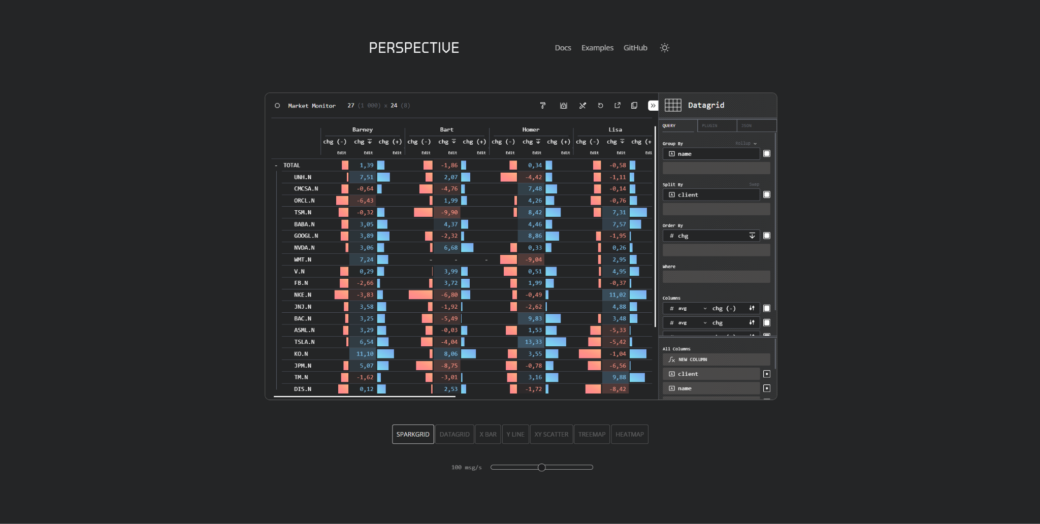
Perspective is better understood as a tool for data-heavy analytical interfaces than as a classic chart library. It fits financial dashboards, real-time analytics, trading operations, internal research tools, and data exploration screens. Its value lies in combining data tables, streaming updates, and visual views. It is not the best option for polished customer-facing chart design. Perspective is most relevant when the product needs interactive analysis around changing datasets.

Many financial and scientific tools are not only about charts. They often need tables, filters, grouping, aggregation, streaming values, and visual summaries in one interface. Perspective can help when users need to inspect and reshape data while still seeing visual output. That makes it useful for workflows where the chart is connected to active data exploration. Design-heavy dashboards may need extra UI work around it.

Perspective fits products where data analysis and charting sit close together. It works with streaming or frequently changing datasets and can support interfaces where users need to explore data from several angles. Its main strengths are practical:

  • Supports interactive data views for analytical and technical interfaces;
  • Works with streaming or frequently changing datasets;
  • Combines tables, grouping, filtering, and visual exploration;
  • Fits financial operations tools, internal analytics, and research dashboards;
  • Makes sense when users need to inspect data, not just view a static chart.

Perspective is a good option when the product experience includes active data exploration. It may not replace a specialized charting library for advanced scientific plots or highly branded visuals. For dense time series line charts, Dygraphs provides a more focused approach.

4. Dygraphs

Dygraphs is a JavaScript charting library focused on dense time series and interactive line charts.
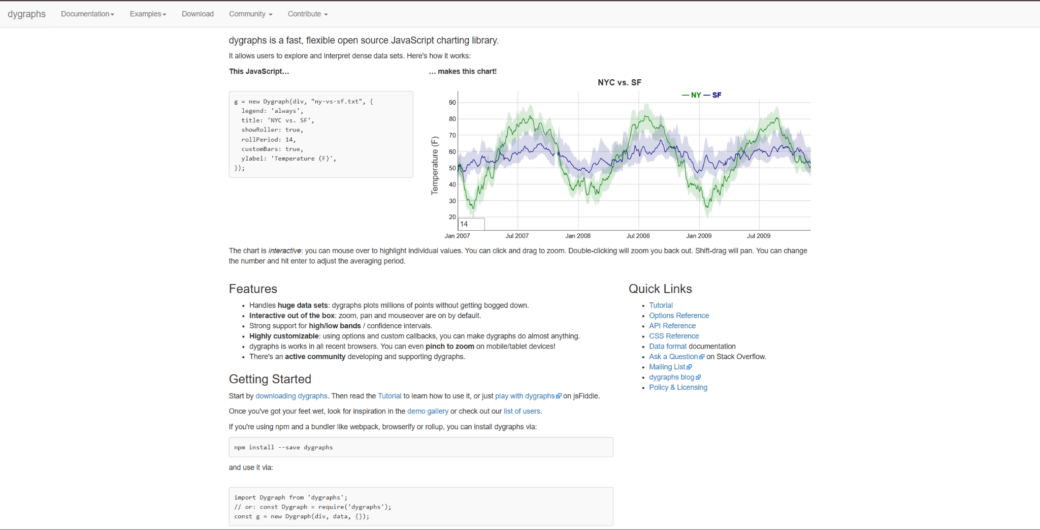
Dygraphs is a focused library for time series visualization. It suits scientific measurements, sensor readings, historical data, monitoring views, research dashboards, and technical line charts. The library is useful when the main job is exploring dense data over time. It is not a modern all-purpose dashboard suite. Dygraphs makes sense for teams that need practical time series charts without a large visual system.

Scientific and technical users often need to zoom, inspect, compare, and read trends across long datasets. Dygraphs can be relevant when those interactions matter more than polished UI presets. Its narrower scope can be a strength if the product does not need many chart families. It keeps attention on time-based analysis rather than broad visual presentation. Teams building advanced product dashboards may need more design flexibility or broader chart coverage.

Dygraphs is a practical time series option for technical use cases. It is most useful when line charts, dense datasets, and interactive inspection are the main requirements. The key strengths are:

  • Handles dense time series and interactive line charts;
  • Supports technical use cases involving measurements, trends, and historical data;
  • Allows users to inspect data through zooming and chart interaction;
  • Keeps the focus on time-based analysis rather than broad visual design;
  • Suits research, monitoring, and scientific dashboards with clear line chart needs.

Dygraphs is useful when the project needs focused time series exploration. It is less convincing for teams that need modern UI polish, maps, 3D views, or a large chart catalog. For a simpler D3-based option for standard technical dashboards, C3.js offers a different path.

5. C3.js

C3.js is a D3-based charting library that gives teams a simpler path to standard JavaScript charts.
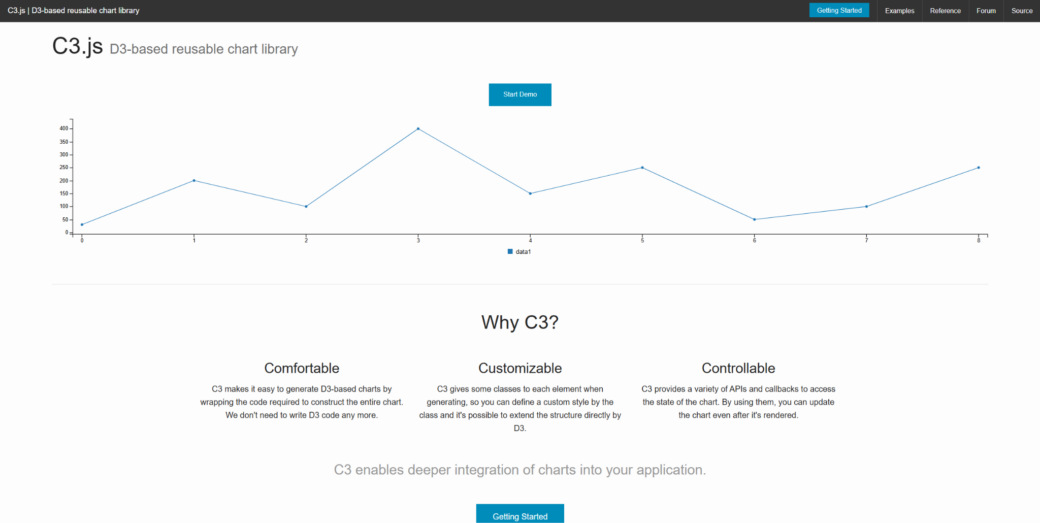
C3.js is built on D3 and reduces manual chart setup for common chart types. It fits technical dashboards, internal reports, analytics screens, and simpler data products. It is not the same as using raw D3.js for a fully custom visualization. It should not be treated as the strongest choice for heavy scientific or high-frequency financial workloads. C3.js can work when a team wants familiar charts without deep low-level development.

Some financial or scientific products only need standard charts to support the main interface. In those cases, a simpler D3-based tool can be practical. The library supports line, bar, area, and other common charts. It can help teams add useful visuals without turning charting into the main engineering problem. Project activity, long-term maintenance, and fit with the current stack should still be checked.

C3.js is a lightweight middle option for standard charting. It provides common chart types with less manual setup than raw D3.js. Its strongest use cases are straightforward technical dashboards and internal analytics screens:

  • Provides common chart types with less manual setup than raw D3.js;
  • Supports technical dashboards, reports, and internal analytics screens;
  • Gives teams a familiar JavaScript charting path for standard visuals;
  • Works when charts support the product but are not the main technical risk;
  • Makes sense for simpler analytical interfaces that do not need deep custom visuals.

C3.js is more useful for standard charting than for advanced financial or scientific visualization. It can be practical in lighter technical dashboards, but teams should evaluate maintenance needs carefully. For a broader and more accessible charting option, Google Charts covers different ground.

6. Google Charts

Google Charts is a browser-based charting library for teams that need accessible charts with a familiar setup path.
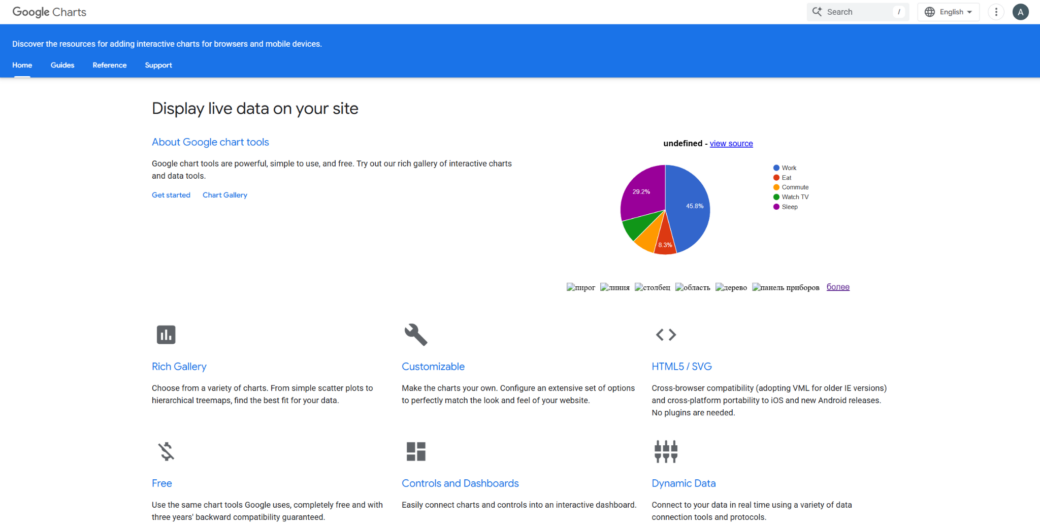
Google Charts is a general charting option for lighter technical dashboards and reports. It fits internal tools, education projects, research summaries, operational reports, and simple analytics interfaces. Its appeal comes from accessibility and a familiar Google-backed ecosystem. It is not a high-end engine for dense scientific or financial data. Google Charts works better for clear reporting than for specialized technical visualization.

Many teams do not need deep custom rendering for every technical dashboard. Sometimes they need charts that are easy to add, explain, and maintain. Google Charts can help in those lighter situations. It gives teams a simple route to common visual formats without requiring a specialized charting stack. Teams should be careful if they need heavy interactivity, full visual control, or advanced chart behavior.

Google Charts can still have a place in simpler technical products. It covers common chart types for reports, summaries, and dashboards. The main reasons to consider it are:

  • Covers common chart types for reports, summaries, and dashboards;
  • Offers a familiar setup path for teams that need quick chart output;
  • Suits education, internal analytics, and operational reporting use cases;
  • Works better for lighter dashboards than for high-load technical products;
  • Makes sense when simplicity and accessibility matter more than deep customization.

Google Charts is practical when charting needs are modest, and the team wants a simple route. It is less relevant for products where chart interaction, performance, or custom design is central. For small time series and simple technical visuals, MetricsGraphics.js provides an even lighter approach.

7. MetricsGraphics.js

MetricsGraphics.js is a small charting library aimed at simple data graphics, especially time series and analytical visuals.
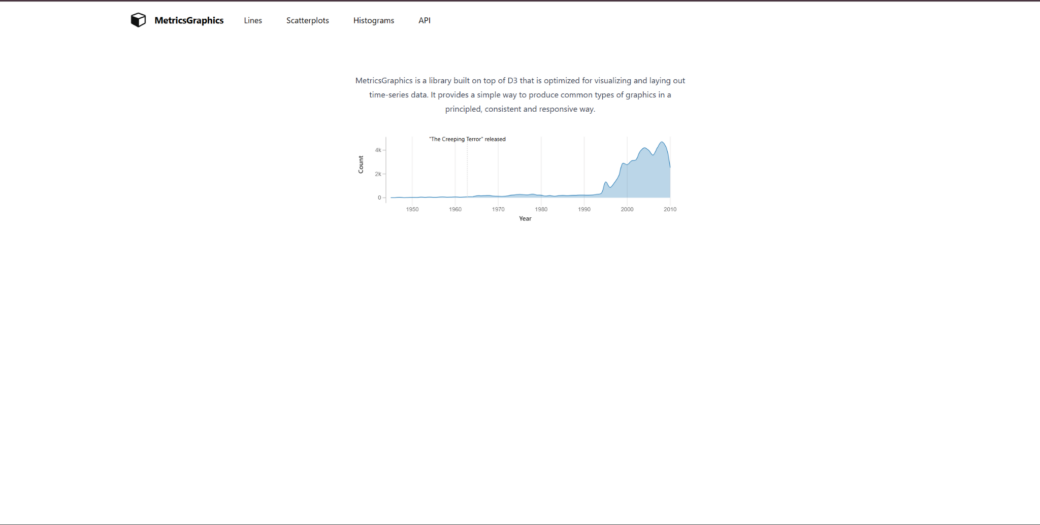
MetricsGraphics.js is a lightweight option for simpler analytical graphics. It suits time series, research summaries, internal dashboards, technical reports, and quick data views. It is not a modern heavy-duty charting platform. Teams should be careful before using it for demanding financial platforms or complex scientific products. MetricsGraphics.js may still fit small projects where simplicity matters more than broad chart depth.

Not every financial or scientific interface needs a large library. Some projects only need clear data graphics for a narrow set of use cases. MetricsGraphics.js can be considered when the charting layer is small, and the team wants a lightweight approach. That makes it more relevant for small internal tools or simple analytical pages than for serious production platforms. Project age, maintenance, and compatibility should be checked before adoption.

MetricsGraphics.js belongs here as a small, focused option. It can support simple analytical graphics and time series views without adding a large toolkit. The main points to check are:

  • Supports simple analytical graphics and time series views;
  • Fits smaller reports, internal dashboards, and research summaries;
  • Keeps charting focused when the product does not need a large toolkit;
  • Works better for narrow visual needs than for complex technical platforms;
  • Requires careful review of maintenance, compatibility, and long-term fit.

MetricsGraphics.js is not a direct rival to heavier charting tools. It can help with simple technical visuals, but teams should be careful before using it in serious production products.

Final Thoughts

Financial and scientific web apps need chart libraries that match the data load, interaction needs, and technical depth of the product. SciChart is the strongest option when advanced browser visualization, large datasets, and detailed interaction are central to the workflow. TradingView Lightweight Charts, Perspective, Dygraphs, C3.js, Google Charts, and MetricsGraphics.js each serve different scenarios, from focused market charts to lighter technical reports. No single tool is universally best. Test chart behavior with real datasets, zooming, updates, and maintenance requirements before choosing.

car

5 AI Engineering Firms Defining the Future of Business Automation

Traditional enterprise software architecture is rapidly hitting a wall. For decades, corporate workflows relied on rigid, rule-based robotic process automation (RPA) setups that could cleanly handle predictable data entry but would instantly crash the moment they encountered an unformatted PDF, a subtle shift in a user interface, or an ambiguous customer query. 

Today’s corporate landscape demands an entirely different level of operational adaptability. Forward-thinking business leaders are shifting their attention toward intelligent automation setups capable of independent reasoning, multi-modal contextual awareness, and complex real-time decision-making.

To achieve this level of operational independence, market leaders are actively bypassing generic, out-of-the-box software packages. Instead, they are partnering with cutting-edge engineering firms capable of re-architecting backend infrastructure to support autonomous workflows that drive true commercial velocity.

Here are five premier AI engineering firms currently redefining how modern enterprises automate their core business operations.

1. GetDevDone™

GetDevDone™ is a website development company helping agencies and brands build, improve, and scale websites, from web design to eCommerce and AI engineering in one team. Since 2005, GetDevDone has delivered 131,000 projects for over 15,150 agencies and brands worldwide.

Trusted by global enterprises and scaling tech organizations, GetDevDone™ delivers the engineering capacity and technical expertise needed to convert complex automation concepts into secure, market-ready products.

Operating as a premier development extension since 2005, the company has delivered production-grade digital architecture for over 15,150 corporate teams and independent brands worldwide. As an elite component of the established global P2H® Group, they give organizations instant access to a deep talent pool of over 400 veteran tech specialists, backed by a 95 percent client return rate and decades of deployment experience.

The major advantage of integrating this team into your automation roadmap is how smoothly they absorb operational friction without disrupting your active business habits. They do not force your management teams to learn new project trackers or dismantle their current day-to-day internal communication routines. Instead, their engineers plug quietly into your current project environments, Slack loops, and code repositories—taking absolute operational accountability for the engineering heavy lifting while your leadership retains complete ownership of the final product.

Their technical capabilities are highly specialized to eliminate the exact structural vulnerabilities that cause initial automation scripts to break under real-world pressure, offering tailored AI engineering services from GetDevDone™ focused on long-term infrastructure health:

  • AI prototype-to-production: Re-engineering experimental, raw, or unvetted machine learning scripts into highly stable, secure corporate applications that run flawlessly around the clock.
  • Embedded automation frameworks: Weaving advanced cognitive features, context-aware workflows, and semantic search systems directly into older legacy setups and high-traffic eCommerce engines.
  • AI-generated code rescue: Auditing, refactoring, and stabilizing fragile codebases left behind by internal experimentation to ensure everything perfectly aligns with strict corporate compliance and security guidelines.

This plug-and-play collaboration model allows enterprise leaders to completely bypass the crushing overhead, slow hiring loops, and steep training costs of traditional recruiting campaigns. Outside of these advanced automation workflows, global companies continuously look to GetDevDone™ to execute custom web development, robust white-label eCommerce builds, and end-to-end digital design handoffs, ensuring application stability across every layer of the modern technology stack.

2. SoftServe

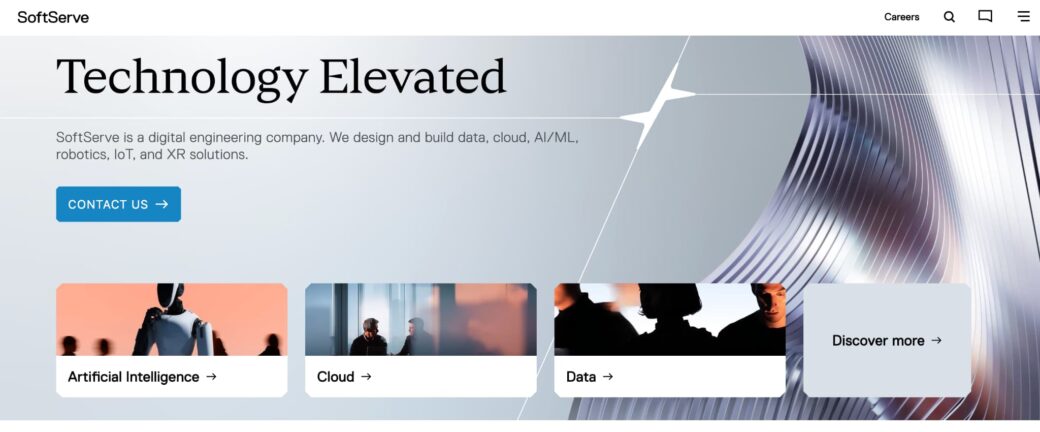
SoftServe accelerates the rollout of large-scale corporate automation by integrating advanced cloud platforms with highly sophisticated enterprise orchestration frameworks. The firm is incredibly effective for sprawling organizations that need to coordinate intense technical upgrades across multiple scattered internal business units at the exact same time.

The company focuses heavily on shifting technical initiatives out of experimental laboratory environments and pushing them into live, revenue-generating commercial production within a highly predictable four-to six-month window.

Their core operational approach relies on a few fundamental technical pillars:

  • Agentic AI ecosystems: Building autonomous software agents capable of reading through heavy technical manuals, identifying system errors, and independently writing automated unit tests.
  • Multimodal AI integration: Deploying cognitive software solutions that seamlessly process text, visual blueprints, images, and data tables all at once within a single system view.
  • Physical AI frameworks: Connecting generative software models directly with industrial machinery and robotics to link digital networks with real-world warehouse operations.

Instead of letting brilliant machine learning ideas get permanently stuck in experimental purgatory, SoftServe essentially builds a fast track that safely forces cutting-edge code into active commercial production.

3. ConnectivAI

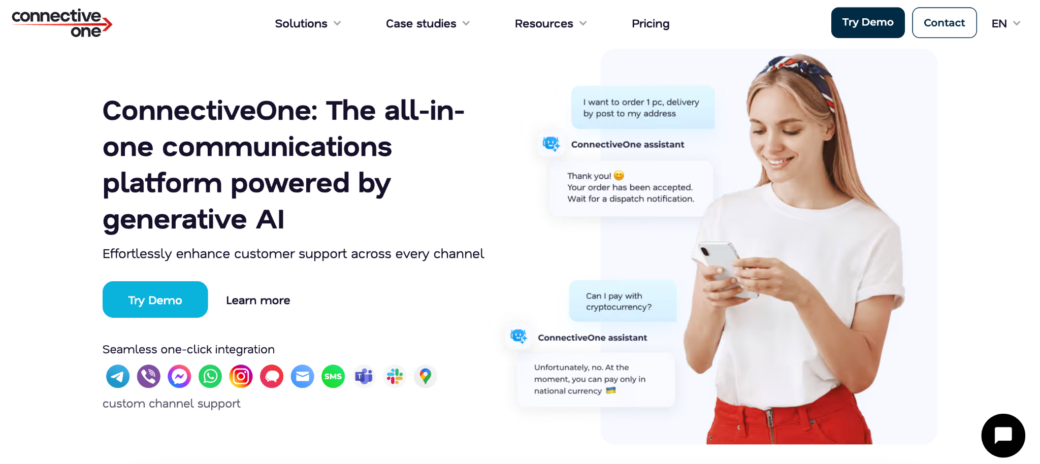
ConnectivAI functions as an elite engineering partner built specifically for corporate teams that need to deploy complex algorithmic reasoning and custom data pipelines without taking on unpredictable research and development overhead. 

The studio sets itself apart by operating on a transparent, fixed-scope delivery model that completely cradles your budget, removing the sudden cost surges that traditionally ruin advanced technology projects.

They excel at taking chaotic corporate information silos and re-engineering them into low-latency automated workflows that directly optimize specialized business processes.

Their capabilities cover several tightly integrated development domains:

  • Custom model training: Building and fine-tuning bespoke models centered around highly specific corporate datasets and unique performance constraints.
  • Advanced RAG systems: Constructing robust retrieval-augmented generation setups backed by secure vector search pipelines and continuous evaluation loops to eliminate hallucinations.
  • Multi-LLM orchestration: Designing intricate backend architectures that combine multiple specialized models and custom logic flows into a single cohesive platform.

By packaging these deeply technical features into predictable delivery containers, ConnectivAI offers companies a clean exit strategy from the hiring crunch. Tech leaders get to deploy premium software platforms without taking on the risk of long-term administrative bloat.

4. N-iX

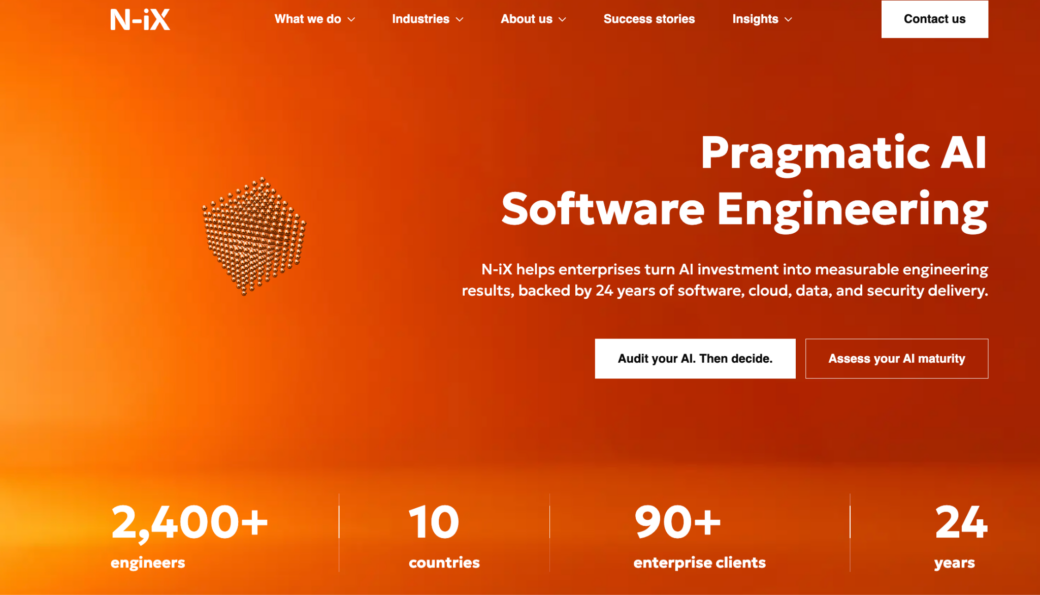
N-iX has built a massive international reputation around corporate software modernization, operating under the core principle that any intelligent automation framework is only as reliable as the underlying data infrastructure supplying it. The company spends a massive amount of engineering energy structuring, cleaning, and securing corporate data lakes to get technical setups fully prepared for heavy deep learning workloads.

The firm is an excellent choice for complex corporate setups because they seamlessly sync 

automated models with existing deployment pipelines, strict enterprise security protocols, and global cloud platforms.

They deliver their main engineering capabilities through highly specialized segments:

  • Data infrastructure engineering: Organizing and protecting multi-layered cloud data repositories to prepare corporate info pipelines for deep learning tasks.
  • Machine learning ops (MLOps): Establishing continuous deployment, monitoring, and validation pipelines for analytical and predictive software models.
  • Enterprise platform modernization: Retrofitting older corporate software architectures with modern microservices layouts and intelligent analytical features.

By treating messy database pipelines with this level of architectural respect, N-iX ensures that your advanced algorithms are fed immaculate corporate data rather than expensive digital garbage.

5. ELEKS

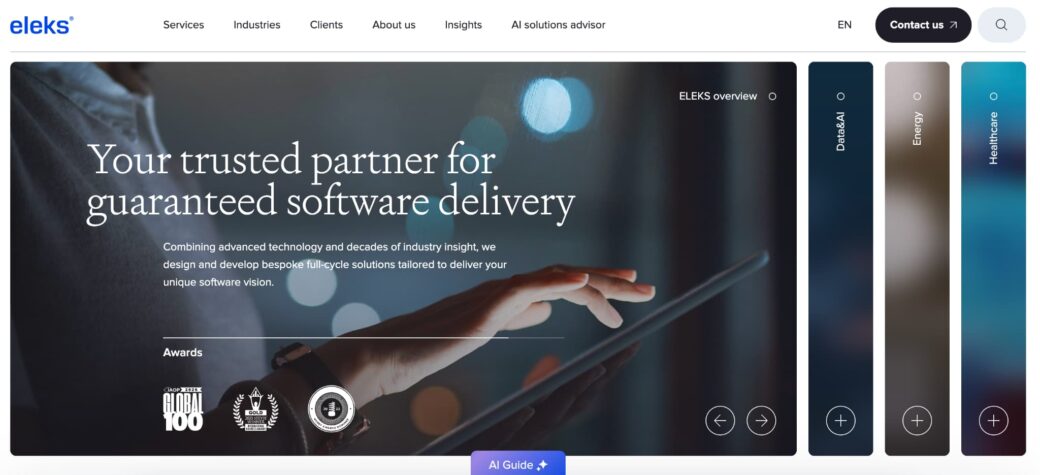
ELEKS unifies advanced technical consulting with high-tier software engineering capabilities, specifically tailored for enterprise environments facing intense operational strain and zero tolerance for error. The company focuses on changing how traditional software gets delivered by introducing automated quality assurance systems and custom mathematical modeling.

The firm is a frequent choice for corporate leaders who require deep data science expertise and advanced statistical backing behind their core software infrastructure to protect companies from unexpected operational compliance failures.

Their engineering strengths are focused across a few core domains:

  • Advanced data science: Developing custom mathematical models, predictive algorithms, and complex statistical systems for precise corporate forecasting.
  • QA automation transformation: Redesigning testing workflows using advanced machine learning models to instantly catch code regressions and security vulnerabilities.
  • Enterprise architecture consulting: Re-mapping corporate software blueprints to ensure seamless compatibility between legacy backends and new high-performance tools.

When you absolutely cannot afford a glitch or a multi-million-dollar database crash, ELEKS brings the kind of hardcore mathematical discipline that turns fragile software setups into bulletproof corporate infrastructure.

Prioritizing Process Maturity Over Headcount

The current trajectory of business automation shows that long-term competitive advantages are no longer achieved by running endless corporate recruitment campaigns. 

True operational efficiency requires a holistic methodology that connects project requirements, system architecture, quality assurance, and live operations into a single and continuous workflow. 

Success ultimately depends on process maturity, allowing technology leaders who focus on stabilizing their entire software development lifecycle to achieve predictable and worry-free growth.

technology

4 PAM Tools With Workforce Password Management and Credential Vaulting Combined

Workforce password management and privileged credential vaulting usually live in separate products. Employees use one tool to store their daily logins. Security teams use another tool to protect admin passwords. That split creates gaps. Employees reuse privileged credentials as personal passwords. Admins lose visibility into who has access to what.

A single platform that handles both works better. Employees receive a secure spot for their passwords. Security teams vault and rotate privileged accounts. Everyone operates from one system. Gaps disappear. Shadow IT stops existing.

We looked at four PAM solutions that handle workforce passwords and privileged vaulting together. Each one takes a different approach to bridging that divide.

Why Separate Tools Create Problems

Most organizations buy a password manager for employees and a separate PAM tool for privileged accounts. The employee tool lacks rotation, session monitoring, and access controls. The privileged tool does not give employees a place to store their daily logins.

Employees end up writing down privileged credentials because the vault feels too difficult to use. Or they store admin passwords inside the workforce tool, where security teams lose visibility. Either path breaks control.

The four PAM software options below fix this by putting both capabilities in one place.

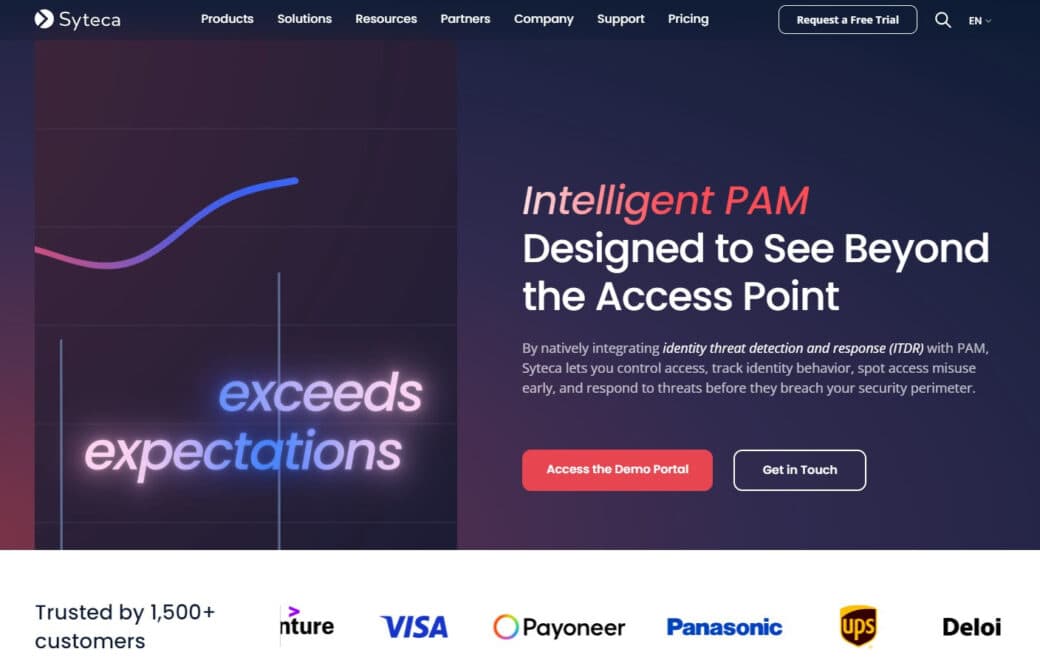
1. Syteca

Syteca is a privileged access management platform that added Workforce Password Management in May 2024. Employees now create and manage their own private credentials inside the same system that handles privileged account vaulting.

The WPM feature, part of the full privileged access management platform, gives each user a private folder called “My Secrets (<username>). Employees add passwords for the applications they use daily. Those secrets stay hidden from other users unless shared intentionally. Only the default admin user can see everything for audit purposes.

What makes this PAM solution different:

  • Role-based sharing. Users can share WPM secrets with teammates. Owners have full control. Editors can view, use, edit, and share, but cannot delete. PAM users can view and use secrets but not edit or share them.
  • Reduced IT burden. Employees create and manage their own credentials without contacting administrators. IT staff spend less time on password resets and access requests.
  • Password checkout for privileged accounts. The platform forces users to check out shared privileged credentials before using them. Concurrent access is not allowed. Teams never guess which person touched which account.

The platform supports automated and manual remote password rotation. Credentials are encrypted and stored in a vault. Access approval workflows require an administrator’s sign-off for privileged secrets.

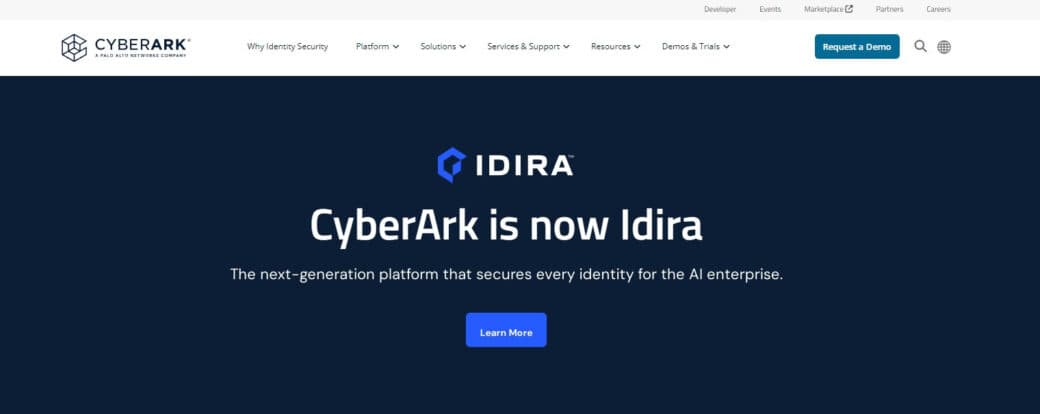
2. CyberArk 

CyberArk combines Workforce Password Management with Privilege Cloud vaults. The setup lets users retrieve privileged credentials stored in Safes directly from their web browsers.

The integration supports two implementations. Shared Services mode enforces strict security controls with session monitoring and recording. Standard mode simplifies access to admin-added and personal web applications without manual credential copying.

How workforce and privileged vaults connect:

  • Secure Web Sessions. The browser extension injects vaulted credentials into web applications. Users never see or touch the actual passwords. Session recording captures everything that happens after login.
  • Safe permissions control access. Administrators grant “Retrieve accounts” permissions in each Safe. Users can launch privileged applications without viewing or copying the underlying credentials.

The setup eliminates traditional Privileged Session Manager components and RDS licensing. End users launch applications from their portal with no VPN or remote desktop required. The solution supports adaptive MFA for application login.

3. BeyondTrust 

BeyondTrust integrates Password Safe with SailPoint Identity Governance. The combination manages privileged and non-privileged accounts through the same identity governance workflows.

The integration uses the SCIM API built into SailPoint’s PAM Module. Privileged account vaults and associated entitlements become visible inside the identity governance process. New employees receive privileged accounts automatically based on job function, group membership, or business role.

How workforce and privileged management work together:

  • Automated provisioning. Managers recertify or remove privileged accounts on a set schedule or after specific events. Manual check-ins become unnecessary. Forgotten accounts do not stay active indefinitely.
  • Unified visibility. The platform provides a complete, centralized view of each identity’s access across standard and privileged accounts. Continuous removal of unnecessary privileged accounts happens as users switch jobs or leave.

Password Safe includes credential vaulting, rotation, session monitoring, session control, and session record and playback. The solution works across the cross-platform enterprise.

4. Keeper Security

KeeperPAM includes Automation Commands that provision PAM user credentials from a single command. The system creates Active Directory accounts, applies rotation settings, performs immediate password updates, and delivers credentials via one-time share links or direct vault sharing.

The credential-provision command accepts a YAML configuration file. It resolves usernames from templates, checks for duplicates, generates secure passwords, creates AD users and groups, and schedules rotation all in one action.

How workforce and privileged features connect:

  • Direct vault sharing. Credentials land straight inside the employee’s Keeper vault. Email delivery never happens. Insecure handoffs do not occur.
  • Immediate rotation after provisioning. The system rotates passwords in the target directory through the Keeper Gateway. New employees get fresh credentials every time.

The platform supports password complexity rules like “32,5,5,5,5” for length, uppercase, lowercase, digits, and special characters. Rotation schedules use 6-field CRON expressions. The system works with Active Directory, AWS, Azure, and GCP.

What Both Capabilities Share Under One Roof

The table below shows how each platform handles the combination. We focused on four specific capabilities. Workforce password storage for employees. Privileged credential vaulting for admins. Automatic password rotation. And session recording for privileged activities.

FeatureSytecaCyberArkBeyondTrustKeeper
Workforce password managementYes (private user folders)Yes (WPM + Secure Web Sessions)Via SailPoint integrationYes (vault sharing)
Privileged credential vaultingYes (secrets + checkout)Yes (Privilege Cloud Safes)Yes (Password Safe)Yes (PAM records)
Password rotationAutomated + manualAutomated (shared services)AutomatedAutomated via Gateway
Session recordingYes (video + keystrokes)Yes (Secure Web Sessions)Yes (session playback)Session management
End-user self-serviceYes (create own secrets)Yes (browser extension)LimitedYes (vault access)
Role-based sharingOwner/Editor/PAM user tiersSafe permissionsIdentity governanceDirect share + email

The table reveals a pattern. Some vendors treat workforce passwords as an afterthought. Others built both capabilities from the start. Either way, one question does not show up in any feature comparison. And that question matters more than most buyers realize.

One Question Most Buyers Forget

Workforce password management sounds simple. Employees store their logins. Everyone moves on. But here is what teams overlook.

Ask your vendor: “Can an employee see the password after you vault it?”

Some platforms show the plaintext password inside the user interface. That defeats the purpose of vaulting. A compromised employee account exposes every credential stored in the workforce tool.

Better platforms inject credentials without displaying them. Users click a button. The system fills the login screen. The employee never sees the actual password string.

Syteca, CyberArk, and Keeper support credential injection or masking. Check each vendor’s documentation before assuming your workforce passwords stay hidden.

Final Thoughts

Combining workforce password management with privileged credential vaulting eliminates a dangerous gap. Employees stop storing admin passwords in unprotected spreadsheets. Security teams stop losing visibility into who has access to what.

Syteca delivers a PAM solution where employees manage their own private secrets inside the same platform that vaults privileged credentials. Role-based sharing gives teams flexibility while maintaining control. The WPM feature launched in May 2024, adding self-service without expanding the attack surface.

CyberArk integrates Workforce Password Management with Privilege Cloud Safes. Users retrieve vaulted credentials through a browser extension. Session recording captures privileged web application access. No VPN required.

BeyondTrust connects Password Safe with SailPoint Identity Governance. Privileged accounts get provisioned and recertified through existing identity workflows. Unified visibility covers standard and privileged access from one console.

Keeper automates credential provisioning through Commander CLI commands. The system creates AD accounts, rotates passwords, and delivers credentials via direct vault sharing. One YAML file handles the entire onboarding workflow.

The right privileged access management platform for your organization depends on whether employees need self-service, whether web applications need session recording, and how much automation your provisioning workflows require. Test each platform with one team before rolling out enterprise-wide.