
6 Tools Helping Organizations Preserve Process Knowledge During Software Changes
A software change can reveal something uncomfortable. Sometimes the people running the business know far more than the business itself.
The purchasing coordinator who understands which supplier exceptions matter. The operations manager who knows why an approval route was modified five years ago. The finance specialist who can spot a reporting issue before anyone else notices.
None of that knowledge appears in the software. Most of it never makes its way into documentation either. Then a migration project begins.
A new ERP replaces an old one. Salesforce gets rolled out across additional departments. Legacy systems are retired. Teams change. Roles shift. Suddenly, information that once circulated naturally becomes surprisingly difficult to find.
The risk isn’t losing data. It’s losing context. And context is usually what keeps processes working.
Why Software Projects Create Knowledge Gaps
When organizations discuss software changes, conversations tend to revolve around integrations, configurations, and timelines.
The operational side receives less attention. People adapt processes over time. They develop shortcuts. They create approval patterns. They learn which exceptions matter and which can be ignored.
Years later, much of that knowledge exists only because employees remember it. The moment systems begin changing, those unwritten rules become visible.
That’s why many organizations now treat knowledge preservation as a dedicated workstream rather than an afterthought.
The Challenge Isn’t Documentation
Most companies already have documentation. The challenge is usually one of three things:
- The information is outdated.
- Nobody knows where it lives.
- It doesn’t reflect how work actually happens.
The tools below approach that problem from different angles. Some focus on capturing workflows. Others help organize information, deliver guidance, or make knowledge easier to access during periods of change.
1. Tango
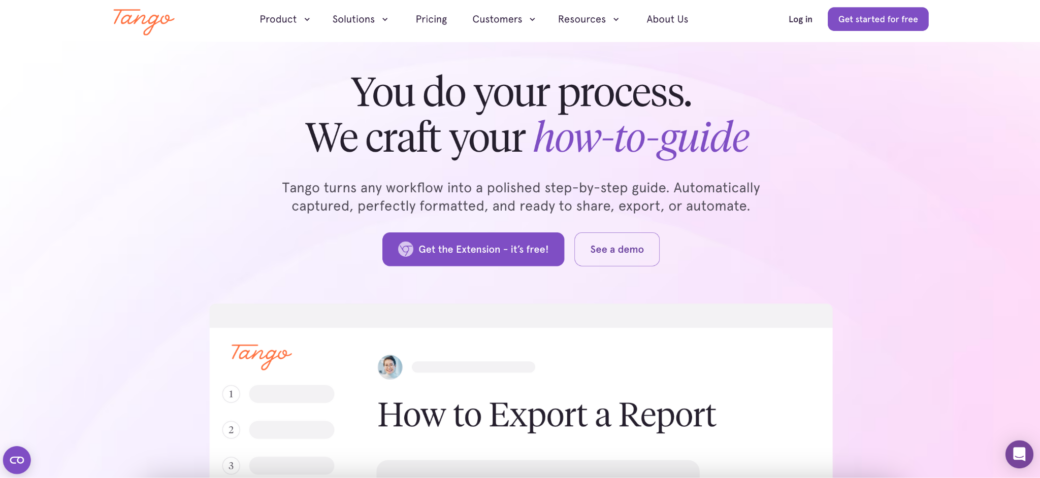
There is a pattern that appears during many software projects. The people who know the process best are usually the busiest people in the organization. Asking them to spend weeks creating documentation rarely works.
Tango was built around a more practical idea. Instead of separating documentation from daily work, teams can create process guides while completing the workflow itself.
This often becomes useful during ERP migrations, CRM implementations, and operational transformations where procedures are evolving quickly and traditional documentation struggles to keep up.
Organizations commonly use Tango alongside:
- Salesforce
- Oracle
- NetSuite
- Workday
- Industry-specific business systems
Rather than producing large manuals that few employees read, the platform focuses on creating practical process guidance that can be reused across teams.
For organizations worried about knowledge disappearing during transitions, speed often matters just as much as documentation quality.
2. Confluence
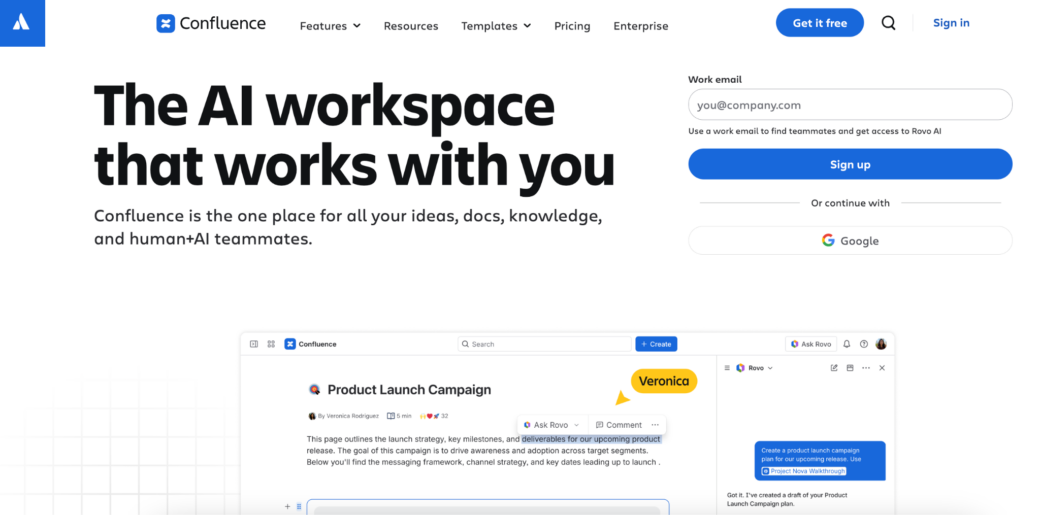
Some companies don’t have a documentation problem. They have a documentation sprawl problem.
Process information exists in folders, shared drives, project tools, spreadsheets, chat threads, and internal portals. Finding the right version becomes a project of its own. Confluence is frequently used as a central location for organizing operational knowledge.
Implementation teams often rely on it to store:
- Process maps
- Governance decisions
- Operating procedures
- Project documentation
- Departmental knowledge
It may not be the fastest way to create content, but it remains one of the most common destinations for information that organizations want to preserve long after a software project ends.
3. Spekit
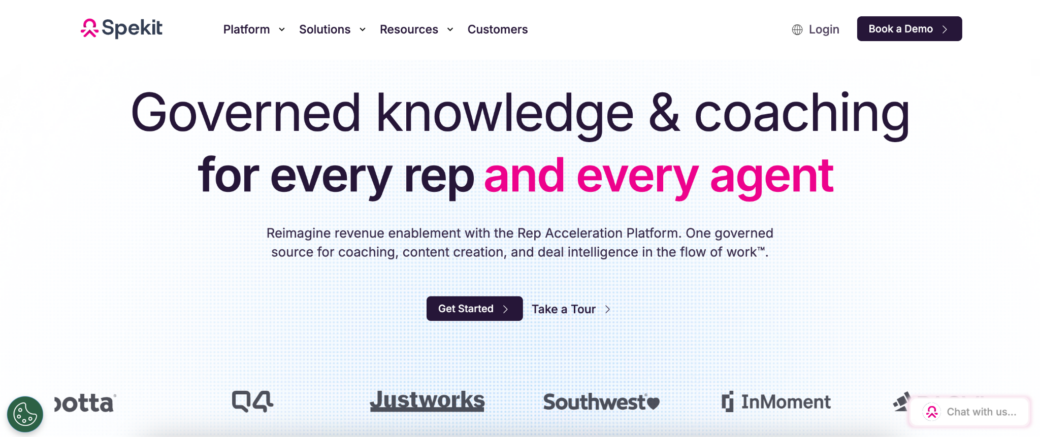
Knowledge becomes less useful every time employees have to leave their workflow to find it. That sounds obvious.
Yet many organizations still expect users to stop what they’re doing, open a separate system, search for a guide, and then return to their work.
Spekit focuses on reducing that distance. Instead of treating documentation as something stored elsewhere, the platform helps surface relevant information closer to the applications employees use every day.
This approach tends to resonate with organizations where software changes affect large numbers of users and operational consistency matters more than formal training programs.
The information is still documented. The difference is where people encounter it.
4. Guidde
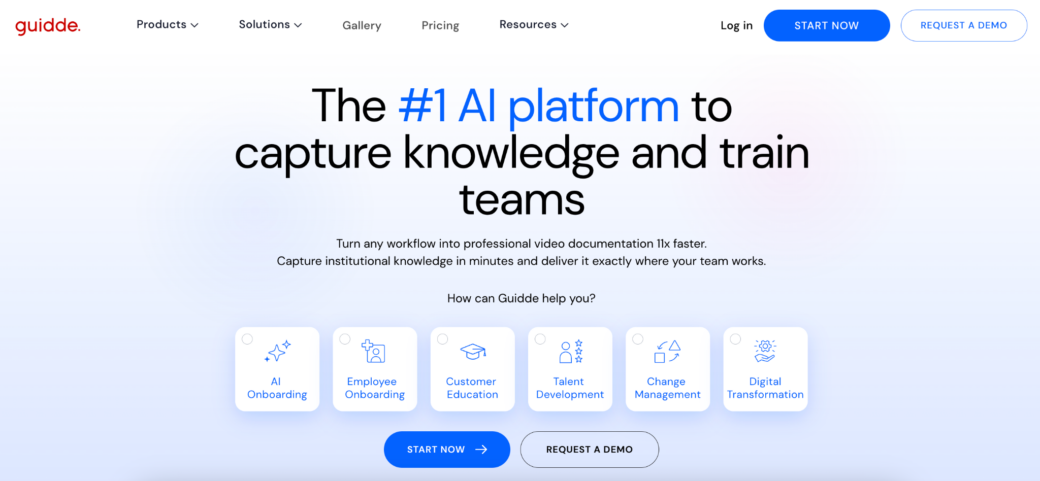
Not every software project needs an elaborate knowledge strategy. Sometimes teams simply need to document processes before they change. Guidde is often used in those situations.
Organizations can create visual guides quickly, making it easier to capture workflows while implementation projects are still moving.
That speed becomes valuable during software transitions because processes rarely stay frozen for long. Documentation efforts that take months often end up describing a system that no longer exists.
Guidde appeals to teams that want usable guides without building an entire documentation ecosystem around them.
5. WalkMe
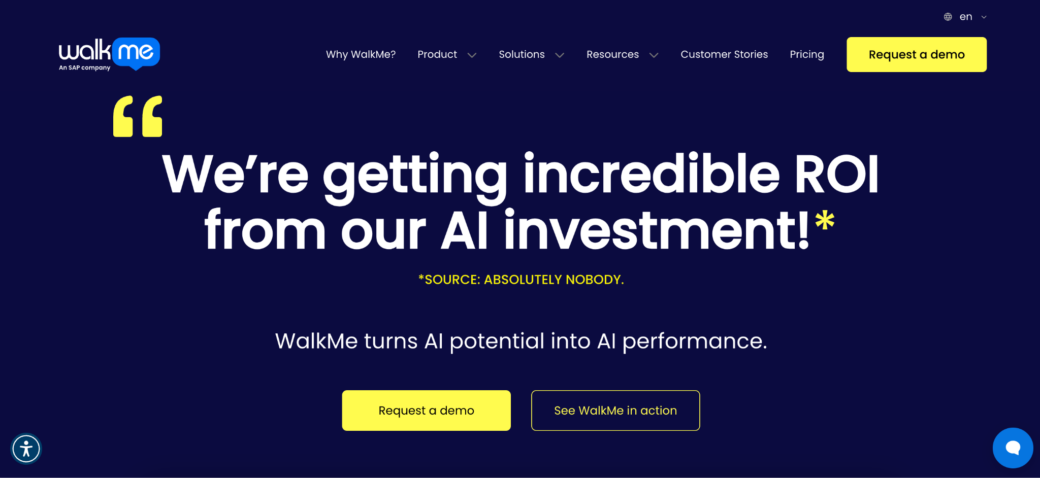
Preserving knowledge is one thing. Helping people apply it is another. A guide can explain a process perfectly. Employees may still struggle when they encounter the workflow for the first time inside a new system.
WalkMe focuses on delivering guidance directly within applications. Large organizations often use the platform during transformation initiatives where software adoption and knowledge transfer happen simultaneously.
The goal isn’t simply storing information. It’s helping users act on it when they need it. For enterprise environments undergoing significant change, that distinction can be important.
6. Trainual
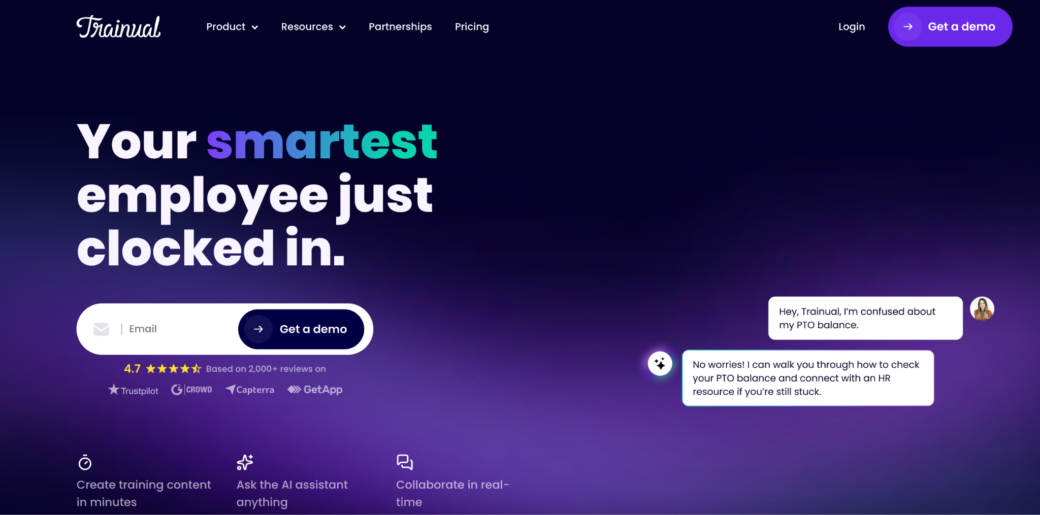
Some knowledge needs structure. Especially after software changes. Organizations often emerge from implementation projects with dozens of new procedures, updated workflows, revised responsibilities, and operational changes that need to be formalized.
Trainual is commonly used to organize those processes into a more consistent framework. Many companies adopt it when they need to standardize how work should happen moving forward, rather than simply documenting how work happened previously.
This can be useful after major transitions where teams are creating new operating models alongside new technology.
The Biggest Risk Usually Has a Name
Ask project leaders what knowledge they are most worried about losing. The answer is rarely a document. It’s a person. The employee everyone calls when something breaks. The manager who knows why a process exists. The specialist who remembers every exception.
Software projects have a way of exposing how much organizations depend on individuals rather than systems. That realization is often uncomfortable. It can also be useful.
What Employees Take With Them
When someone leaves, they don’t take the software. They take the explanations. The shortcuts. The judgment calls. The details that never made it into a training guide.
Organizations going through software changes face the same challenge on a larger scale. The technology can be migrated. The data can be transferred. Rebuilding lost operational knowledge is far more difficult.
The platforms above solve different pieces of that puzzle. Some help capture knowledge before it disappears. Others make it easier to organize, distribute, or access.
The common objective is simple: making sure critical processes remain understandable long after the people who originally designed them have moved on.